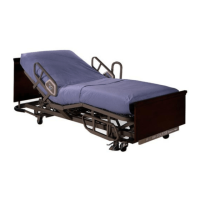
VersaCare® Bed User Manual (161956 REV 2) 59
Bed Articulations
Observe lines closely during articulations. Always use good line management
techniques, particularly as the head section rises. Failure to do so could cause
patient injury or equipment damage.
Do not operate bed controls until all persons and equipment are clear of mechanisms. To
stop a function, release the control, and/or activate the opposite function, and/or
immediately unplug the AC power cord.
Chair Positioning
Always set the brakes before placing the bed in a chair position. Observe lines closely
during head up/down and chair articulation.
Make sure equipment and personnel are clear of the foot end of the bed especially if the
footboard is removed.
Bed Transportation Mode
This mode prevents the bed from articulating during bed transport. Use this mode if the
bed is to be moved to or from the facility.
Enable
1. Make sure the bed is connected to AC power.
2. Press the Lockout control until the Service Required indicator flashes. This puts the
bed in Service mode.
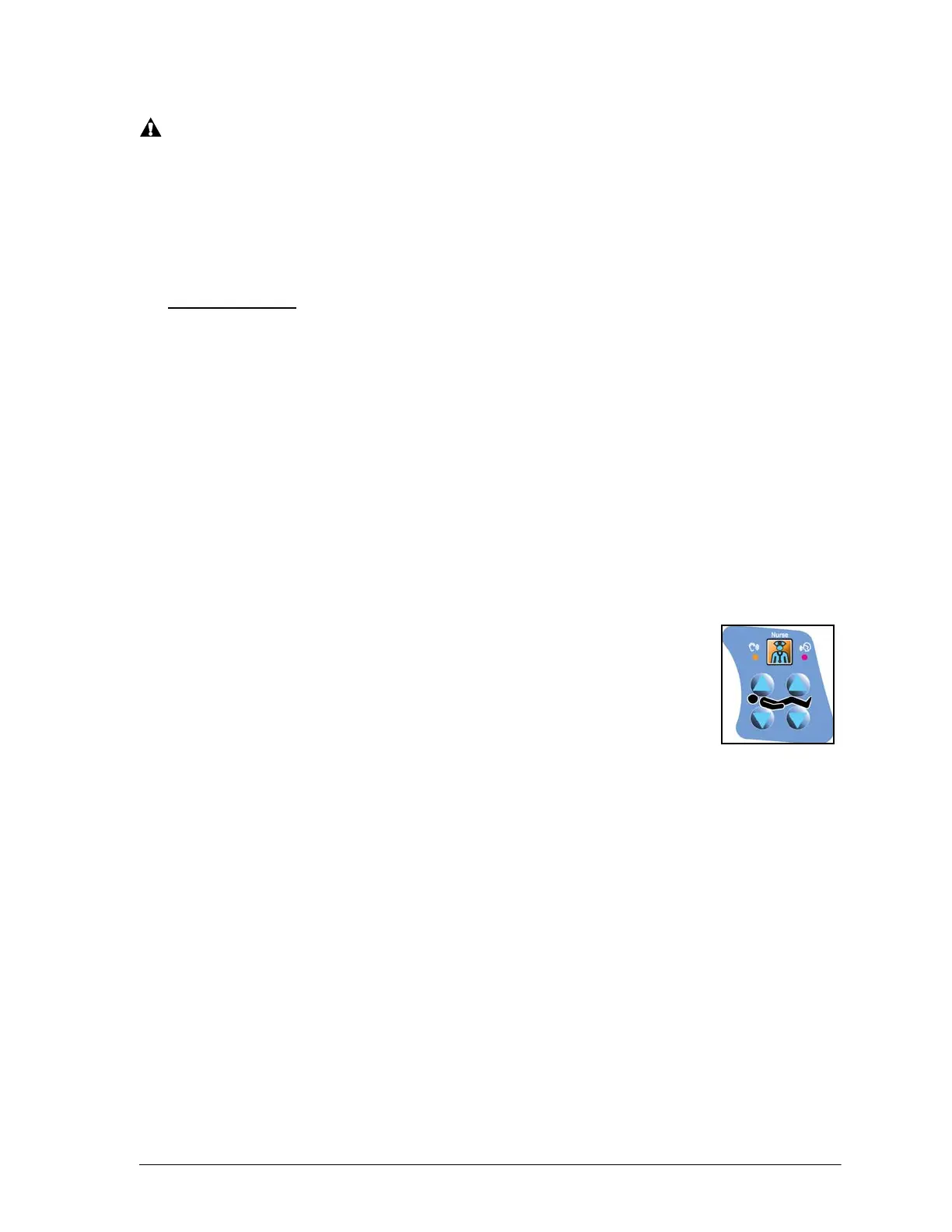
3. On the patient control (inside of the siderail), press the Knee Up
and Knee Down controls for five seconds.
Disable
• Automatically—the Bed Transportation mode automatically
disables after the bed has been connected to AC power for 30
minutes.
• Manually—press the Head Up and Head Down controls on the patient control.
If the bed is not connected to AC power, you will need to press the Nurse Call control
along with the Head Up and Head Down controls. If the
patient control does not have the
Nurse Call control, press the location where it would be.
Visitor Notification
Instruct visitors not to attempt operation of caregiver controls. They may assist the patient
with patient controls.



 To Next Page
 Loading...