Page 27
INF8630eAG / INF8630AG Hardware Guide
WORKING WITH SOURCES
Accessing Sources Using Total Touch Control
Understanding Source Touch Control Icons
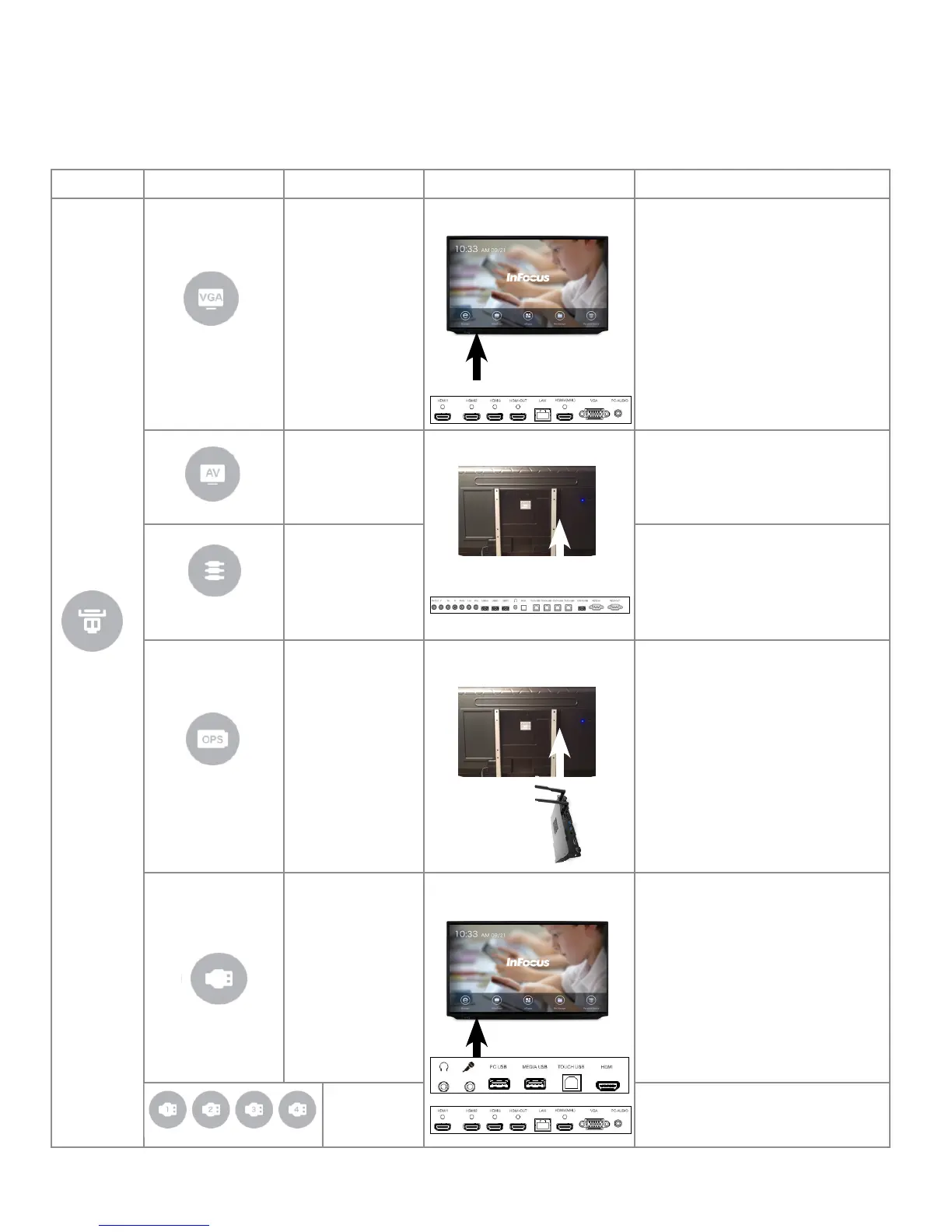
Source Sub-menu Icons Icon Name Location of Source Port Description
VGA
Video Graphics
Array
Under Panel Ports
Connect Video Media Device.
AV Composite
Side Panel Ports
Connect to DVD.
Component Connect to component devices.
OPS
Open Plug-able
Standard (PC)
PC Bay
Connect to the optional PC in the bay
on back of panel.
HDMI (Blank)
Front and Under Panel Ports
Connect to an external PC.
Note: This HDMI selection is blank;
it's on panel front.
HDMI (1-4) Connect to an external PC.


 To Next Page
 Loading...





