2
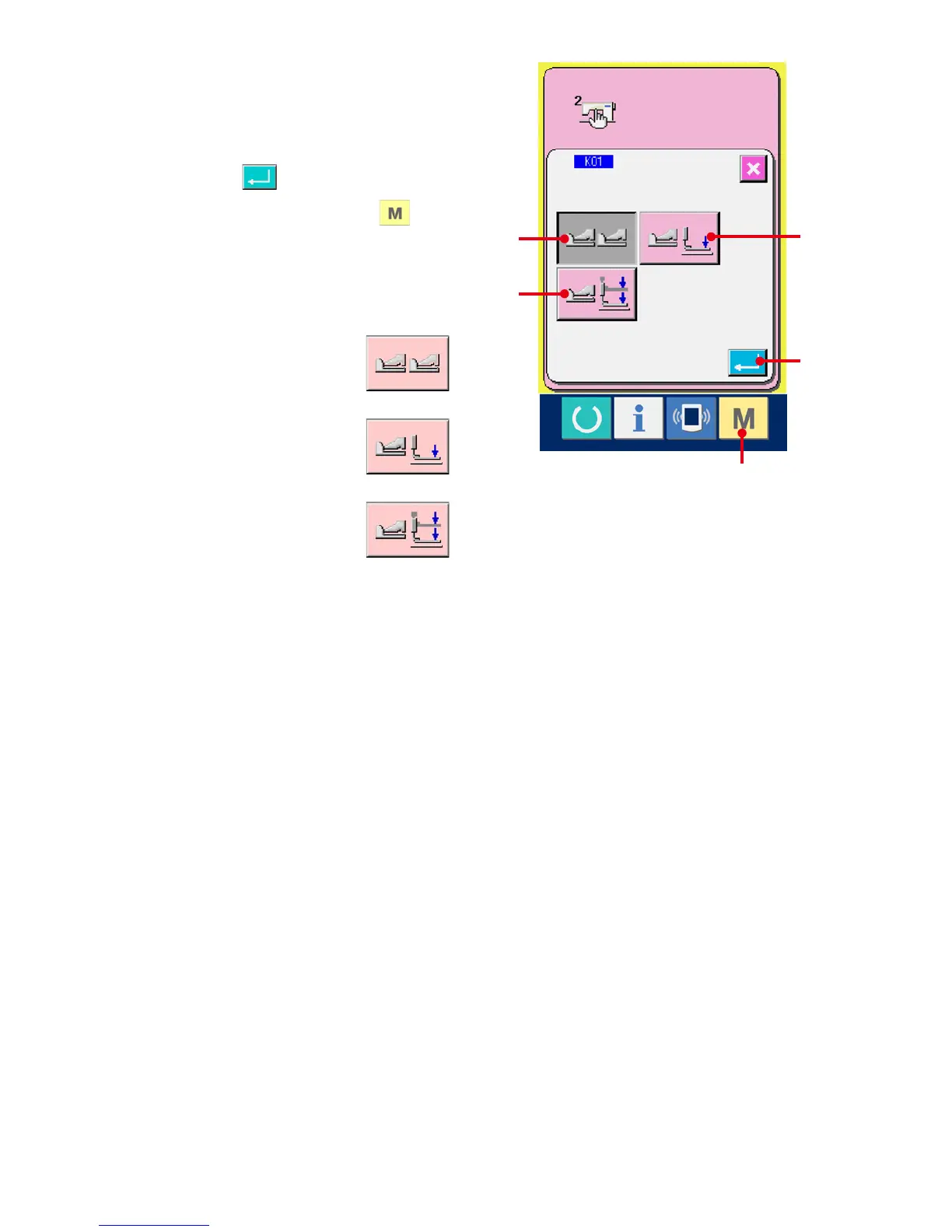
Select the pedal type.
Three kinds of pedal type buttons (D to F) are
displayed on the pedal type change screen.
Select the pedal type you desire and press
ENTER button (G). Close the pop-up
and display screen
1
. When switch (A) is
pressed further, the screen returns to the data
edit screen.
D : 2-pedal
E :
1-pedal (Without intermediate
position)
F :
1-pedal (With intermediate
position)
A
E
D
F
G


 To Next Page
 Loading...






