1Headphonejack:Connectstoexternalheadphones.
Attention:Listeningtomusicathighvolumeoverextendedperiodsoftimemay
damageyourhearing.
2Microphonejack:Connectstoexternalmicrophones.
3USBconnectors:ConnecttoUSBdevices.
Note:Fordetails,refertotheinstructionsin“Connectingauniversalserialbus
(USB)device”onpage13.
4Opticaldrive:Readsorburnsopticaldrivedisks.
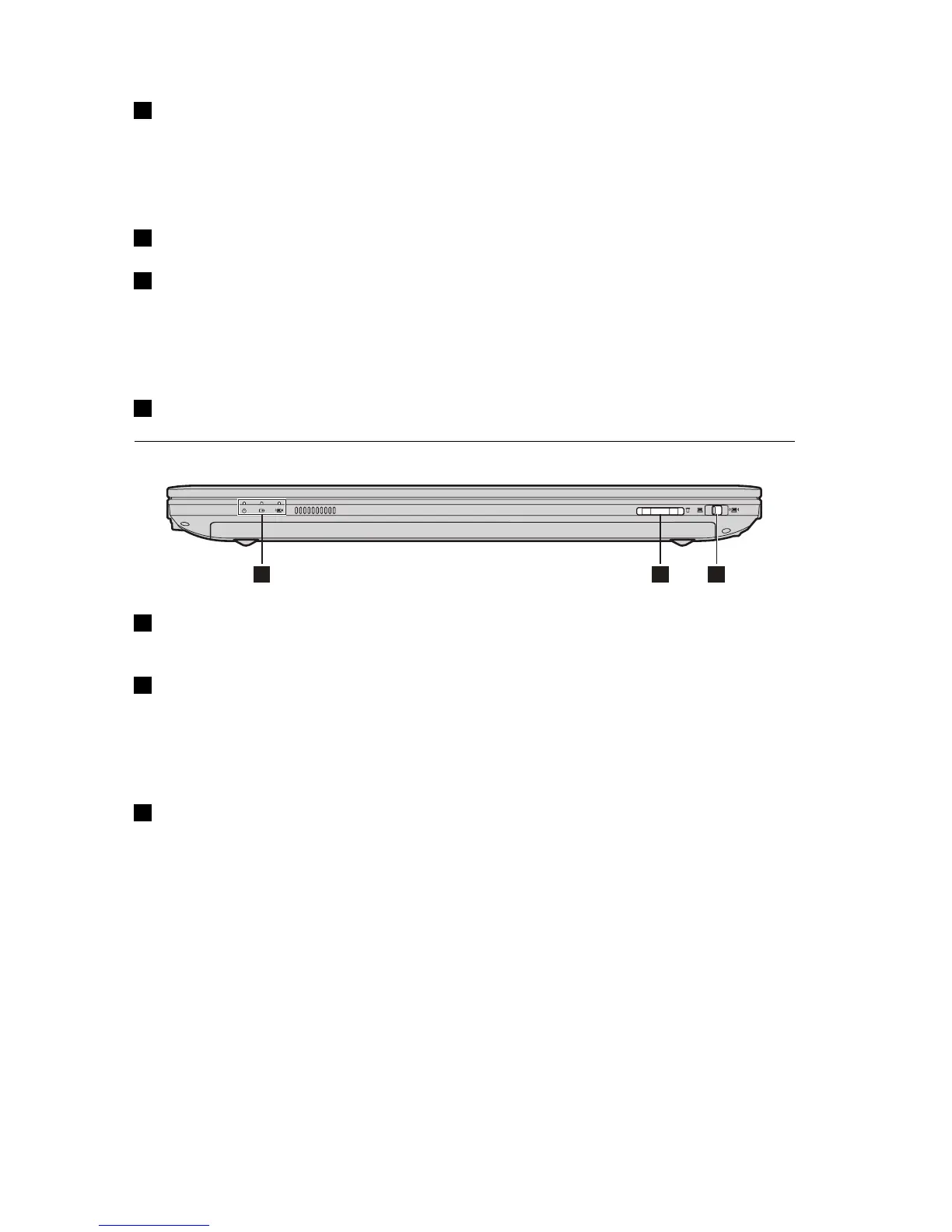
Frontview
1Systemstatusindicators:Fordetails,refertotheinstructionsin“System
statusindicators”onpage15
.
2Memorycardslot:Insertmemorycards(notsupplied)here.
Note:Fordetails,refertotheinstructionsin“Usingmemorycards(notsupplied)”
onpage12
.
3Integratedwirelessdeviceswitch(onsomemodels):Usethisswitchtoturn
on/offthewirelessradioofallwirelessdevicesonyourcomputer
4UserGuide


 To Next Page
 Loading...






