99
More on Playback
Protecting Important Pictures (Protect)
Protect selected pictures from accidental deletion. Protected pictures are
recognized by the s icon in playback mode when photo information is on
(A 13).
Protecting One Picture
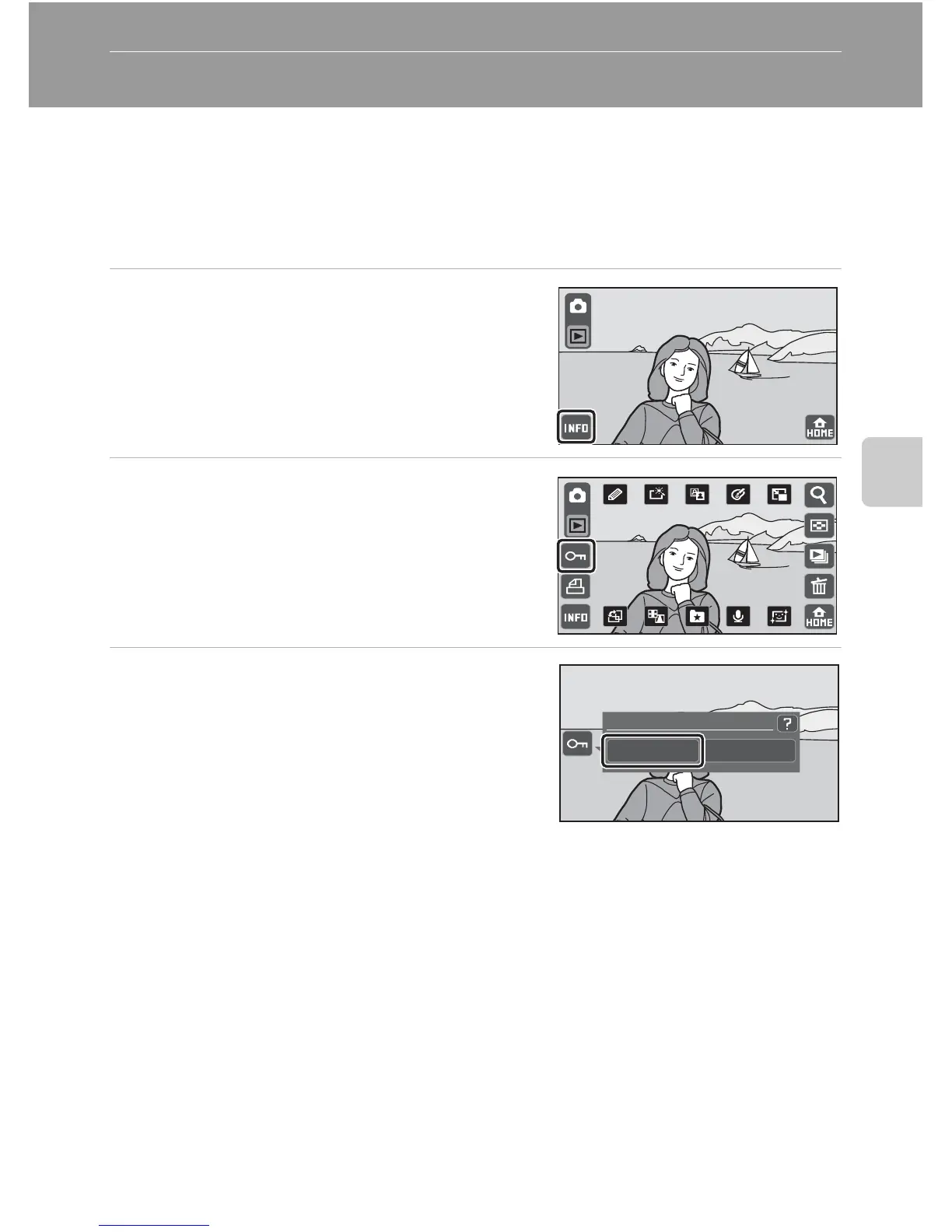
1 Select the desired picture to be
protected in full-frame playback
mode and tap C.
2 Tap L.
3 Tap On.
The selected picture is protected.
To exit without protecting the picture, tap Off.
When L is tapped, the camera returns to
playback display without adjusting the protect
setting.
Protect
On Off



 To Next Page
 Loading...












