21
Charging the Battery
First Steps
Turning On and Off the Camera
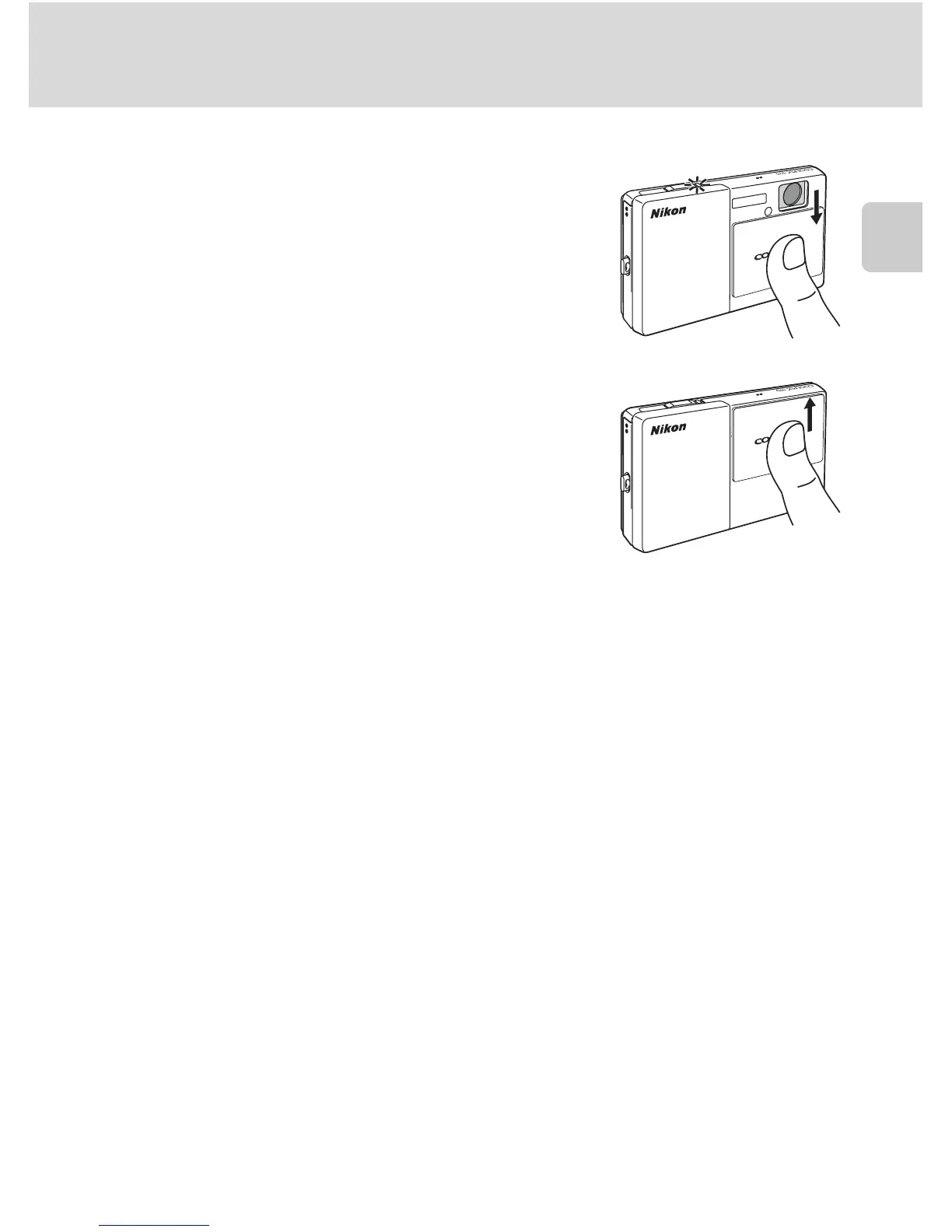
To turn on the camera, open the slide cover.
After the power-on lamp (green) lights for a moment,
the monitor will turn on.
To turn off the camera, close the slide cover.
When the camera turns off, both the power-on lamp
and monitor will turn off.
B Note on Opening the Slide Cover
Be sure to keep your fingers away from the lens when opening the slide cover.
D Auto Power Off in Shooting Mode (Standby Mode)
If no operations are performed for about a minute (default setting), the monitor will turn off
automatically and the camera will enter standby mode (the auto off function).
• Pressing the shutter-release button, while the monitor is off (the power-on lamp is blinking) in
standby mode will reactivate the monitor.
• The time allowed to elapse before the camera enters standby mode can be changed from the
Auto off option (A 149) in the setup menu (A 139).
• When the AC Adapter EH-62F (available separately, A 162) is connected, a screen saver function
is activated to prevent screen burn when no operations are performed for about a minute (default
setting, A 149).


 To Next Page
 Loading...













