108
Voice Memos: Recording and Playback
More on Playback
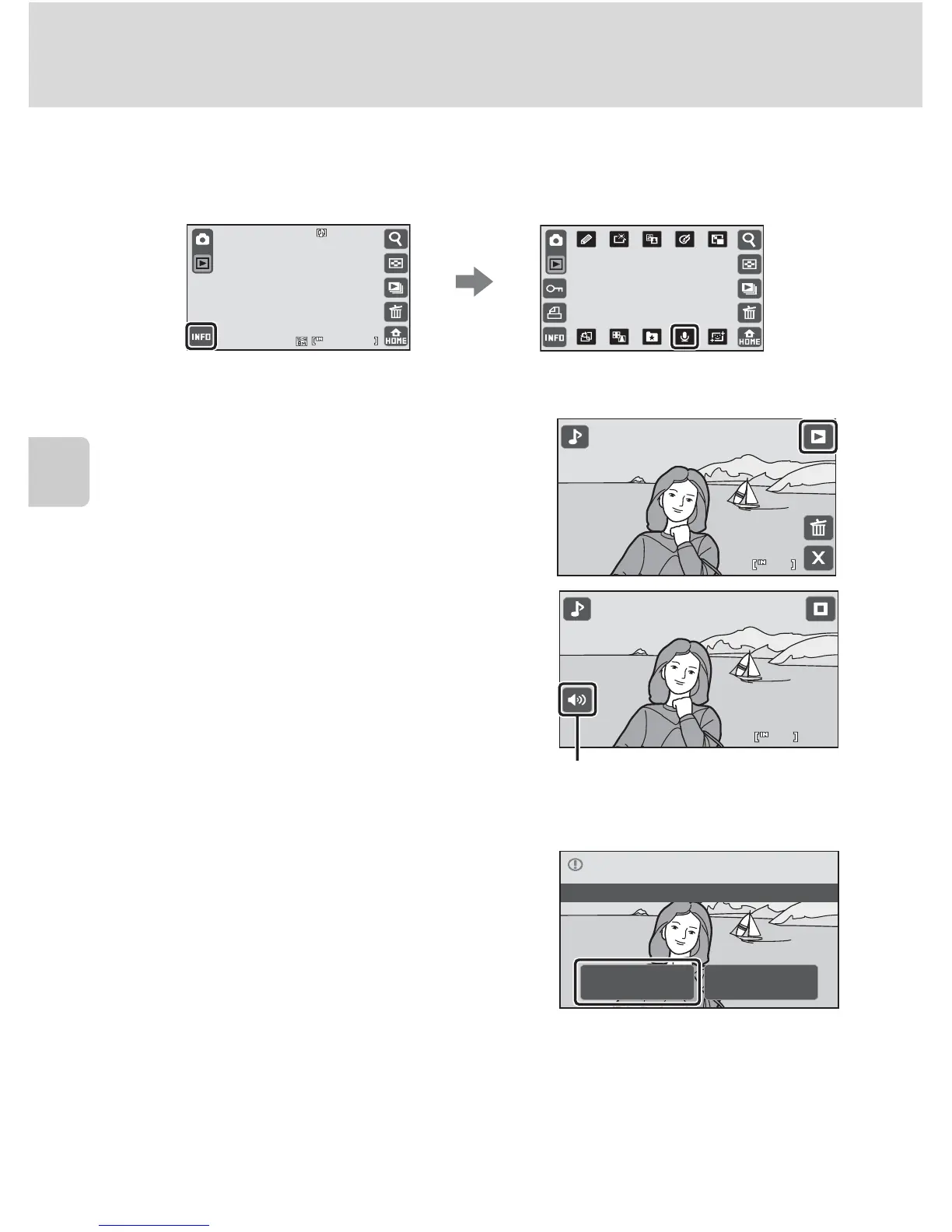
Playing Voice Memos
Pictures for which voice memos have been recorded are indicated with the p
icon in playback mode when photo information is on (A 13).
Tap y to play the voice memo.
• Tap
w to stop playback.
• Tap the volume control to adjust playback
volume.
• Tap D to return to full-frame playback
mode.
Deleting Voice Memos
Tap J in the voice memo playback screen.
Tap Yes to delete only the voice memo.
B Notes on Voice Memos
• When a picture with a voice memo attached is deleted, both the picture and its voice memo are
deleted.
• If a voice memo already exists for the current picture, it must be deleted before a new voice memo
can be recorded.
• The COOLPIX S70 is not able to record a voice memo for pictures taken with another make or
model of digital camera.


 To Next Page
 Loading...













