102
Creating a DPOF Print Order: Print Set
More on Playback
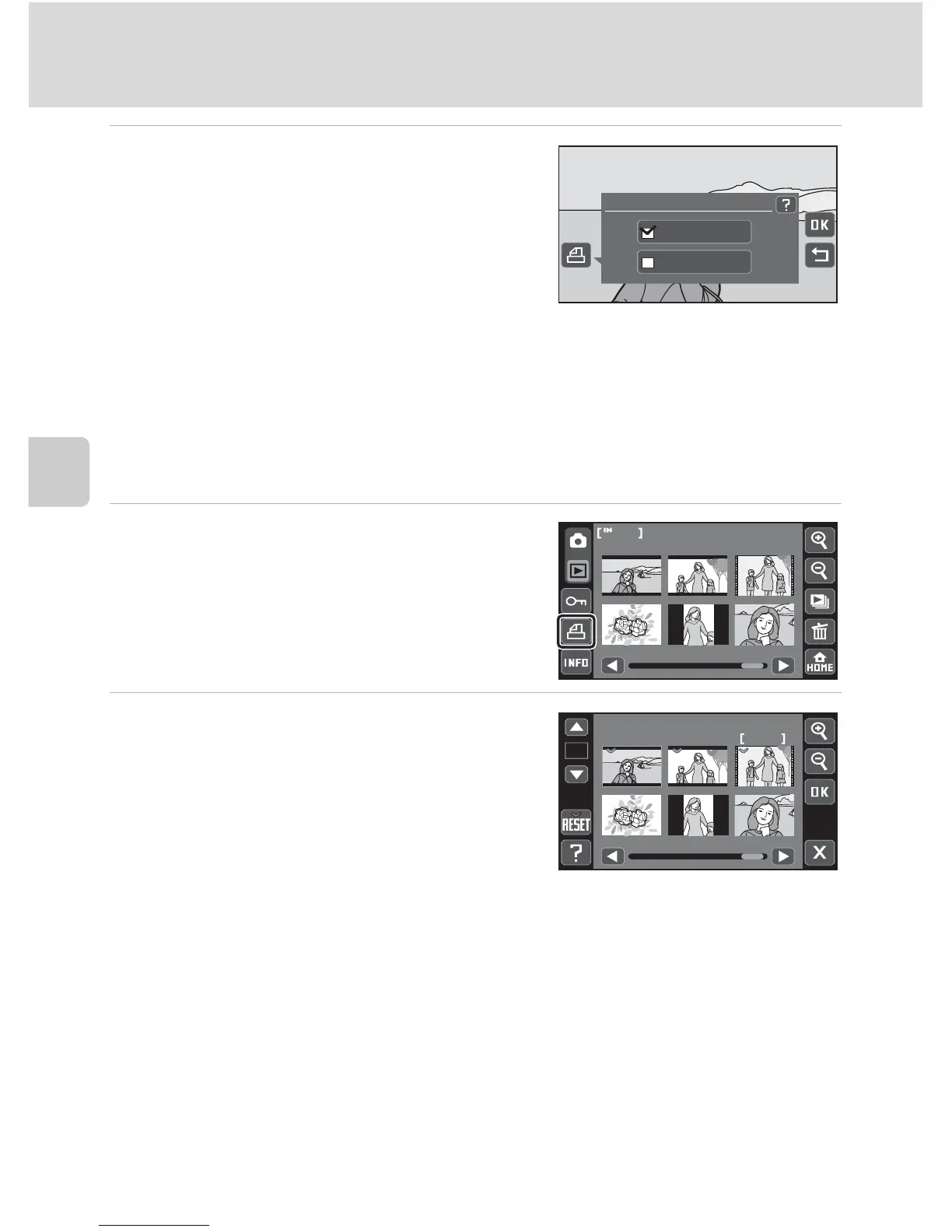
4 Choose whether or not to print
shooting date and photo information.
Tap Date to print shooting date on a picture in
the print order.
Tap Info to print photo information (shutter
speed and aperture) on a picture in the print
order.
Tap Z to complete the print order.
Creating a Print Order for Multiple Pictures
1 Switch to thumbnail playback mode
(A 93) and tap K.
The monitor display switches to the print set
screen.
2 Tap the desired pictures to print (up
to 99) and tap D or E to specify the
number of copies (up to nine) for
each.
Pictures selected for printing can be recognized
by the check mark (y) and the numeral
indicating the number of copies to be printed.
Tap H or G to change the number of pictures displayed.
Tap r to remove print marking from all pictures and cancel the print order.
Tap Z when setting is complete.
Print set
Date
Info
12
1


 To Next Page
 Loading...













