Advanced (Playback)
- 89 -
Operations performed during slide show
Display control panel by touching screen.
• If there is no operation for approx. 2 seconds, the operation icon will disappear.
[q/h]: Play/Pause
[g]: Exit
[i]: Forward to next picture (While paused)
[u]: Back to previous picture (While paused)
[:]: The setting screen returns.
[4] [3]: Adjust volume
• You can also adjust the volume level by using the zoom lever.
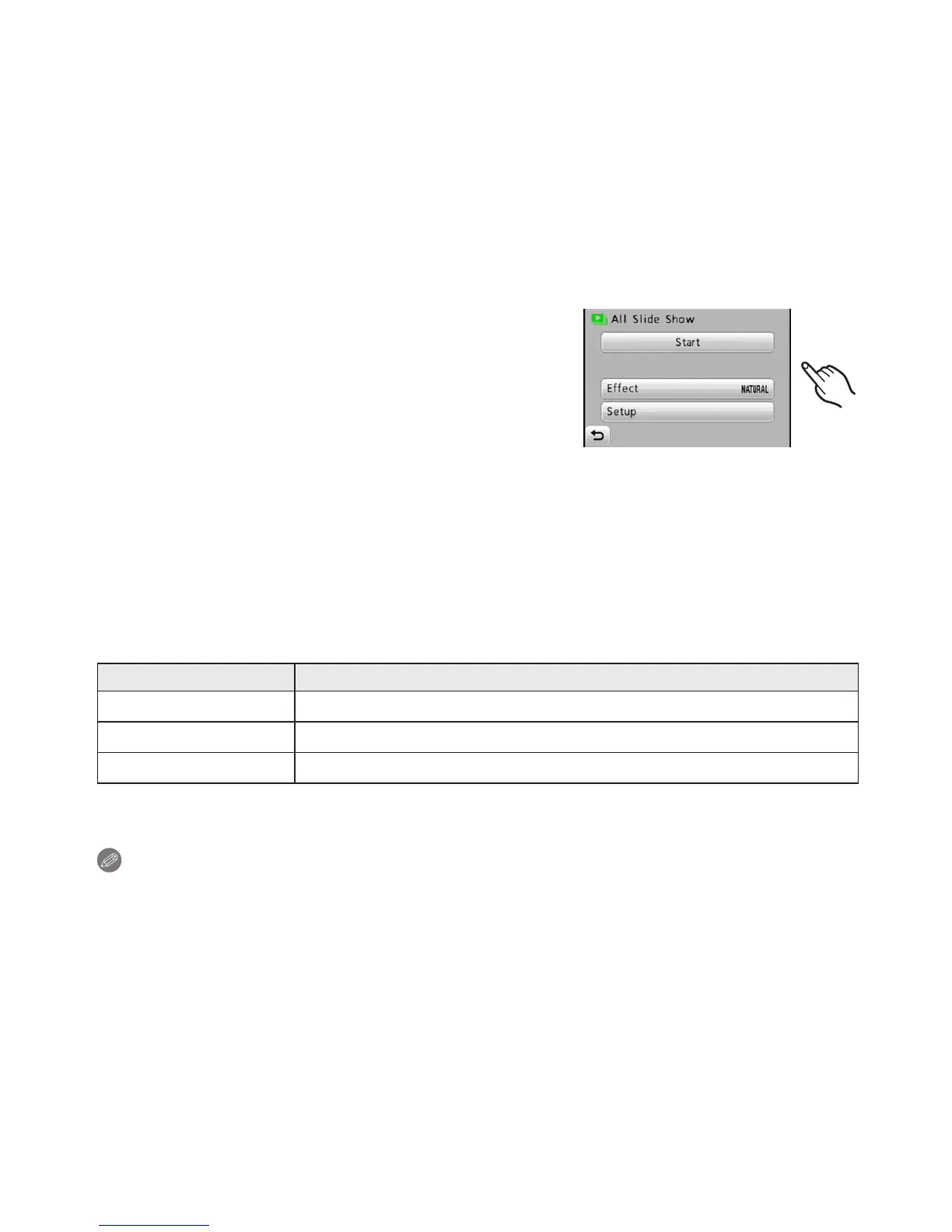
Changing the Slide Show settings
You can change the settings for Slide Show
Playback by selecting [Effect] or [Setup] on the Slide
Show menu screen.
[Effect]
This allows you to select the screen effects or music
effects when switching from one picture to the next.
[Natural], [Slow], [Swing], [Urban], [Off], [Auto]
• When [Urban] has been selected, the picture may appear in black and white as a screen
effect.
• [Auto] can be used only when [Category Selection] has been selected. The pictures are
played back with the recommended effects in each category.
• Some [Effect] will not operate when playing back pictures displayed vertically.
[Setup]
[Duration] or [Repeat] can be set.
Item Settings
[Duration] 1 SEC. / 2 SEC. / 3 SEC. / 5 SEC.
[Repeat] ON / OFF
[Music] ON / OFF
• [Duration] can be set only when [OFF] has been selected as the [Effect] setting.
Note
• It is not possible to add new music.
• Motion pictures cannot be played back as a slide show. When [Motion Picture] in the
category is selected, the rst image of each motion picture is shown in the slide show.



 To Next Page
 Loading...