English
102
5
Select “ADD TO PRINT SETTINGS”
and press the SET button.
e The Confirm Print Settings Screen
appears.
If the print settings are correct:
Select “EXIT”, and press the SET
button.
If the print settings were changed:
Select “MODIFY PRINT
SETTING”, and press the SET
button.
Index print
Printing out many small images on one sheet is called an “index print.” This
is convenient for use as a list of the images you have captured.
1
Display the Print Settings Screen
(page 98).
2
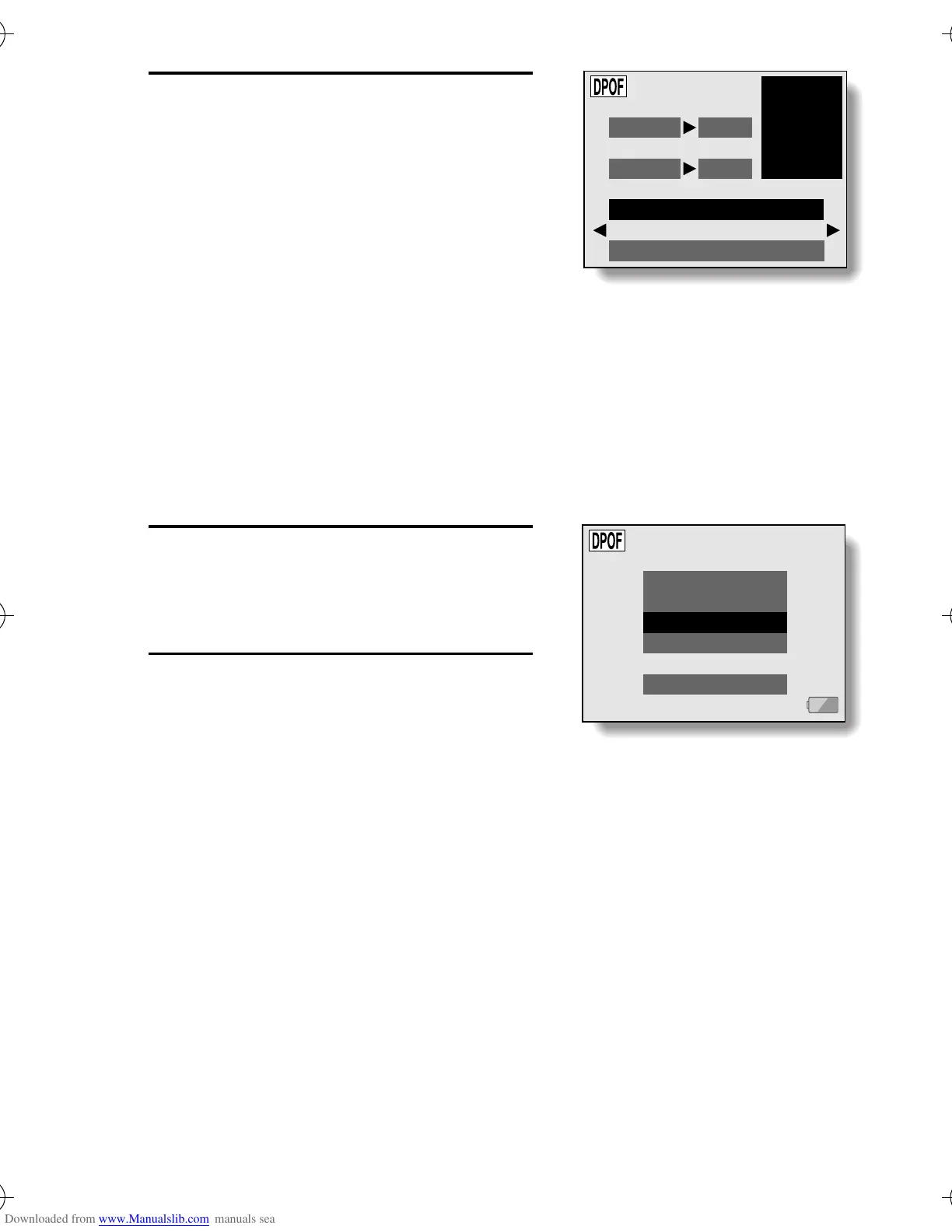
Select “INDEX”.
ALL IMAGES SETTINGS
DATE NO
DATE:YES
COPIES 1
COPIES:1
MODIFY PRINT SETTING
EXIT
PRINT SETTING
ALL IMAGES
EACH IMAGE
INDEX
ALL CLEAR
EXIT
*$ !"#



 To Next Page
 Loading...