35
PAN TILT Menu
The PAN TILT menu is used to select the pan/tilt.
PAN LIMIT
Set whether to limit the pan rotation range.
[OFF]: Do
not apply range limit.
[ON]: A
pply range limit.
LEFT
–170 degrees to +169 degrees, adjustable in 1
degree increment.
RIGHT
–169 degrees to +170 degrees, adjustable in 1
degree increment.
TILT LIMIT
Set whether to limit the tilt rotation range.
[OFF]: Do
not apply range limit.
[ON]: A
pply range limit.
DOWN
–20 degrees to +89 degrees when [IMG FLIP] is
set to [OFF], and –90 degrees to +19 degrees
when [IMG FLIP] is set to [ON], adjustable in 1
degree increment.
UP
–19 degrees to +90 degrees when [IMG FLIP] is
set to [OFF], and –89 degrees to +20 degrees
when [IMG FLIP] is set to [ON], adjustable in 1
degree increment.
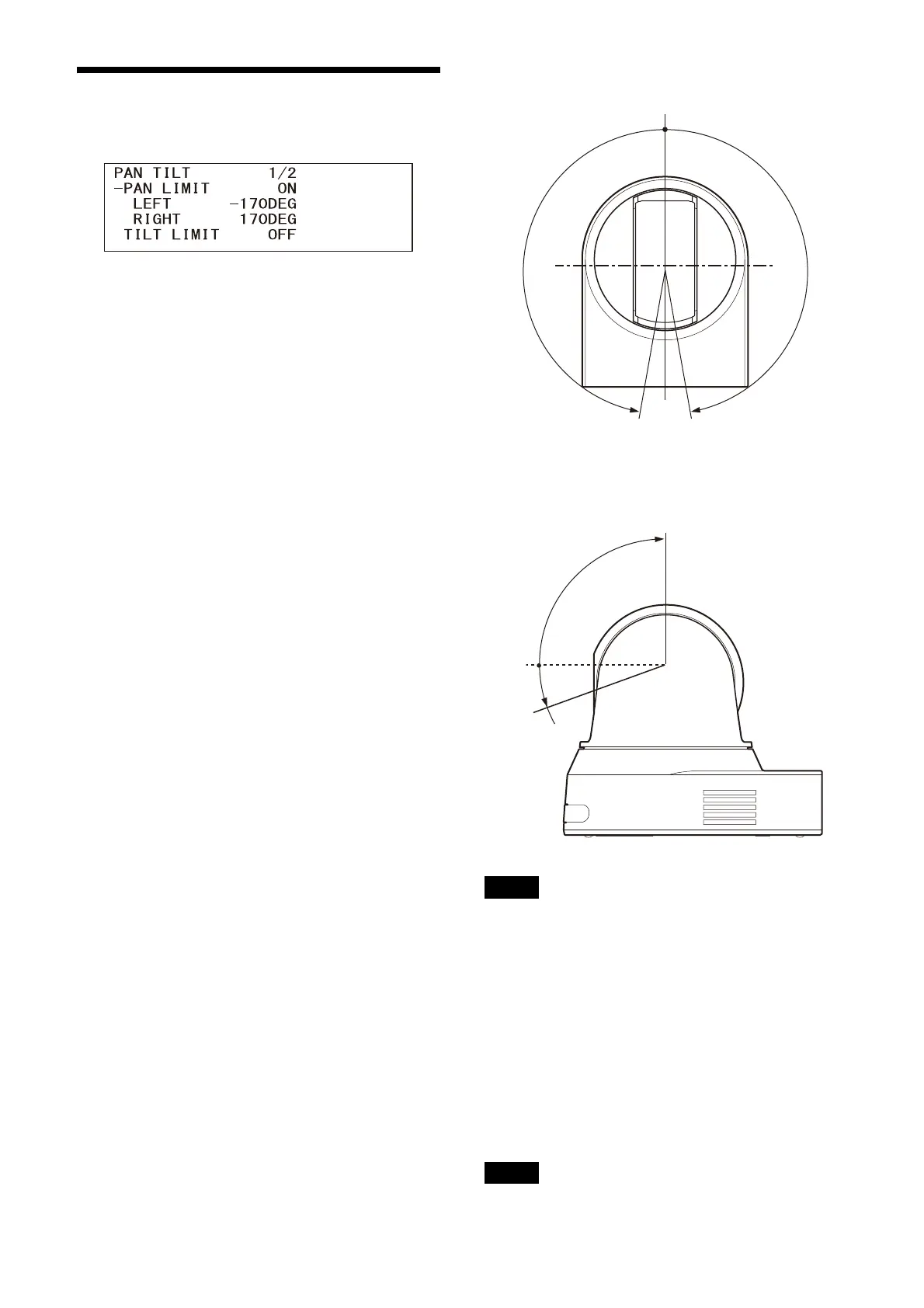
Setting range of LEFT/RIGHT
Setting range of DOWN/UP
Notes
• Configure [PAN LIMIT] and [TILT LIMIT] before
storing the camera position in a preset
memory. If the camera position is out of the
range of the [PAN LIMIT] and [TILT LIMIT]
settings, you cannot store the camera position
in the preset memory.
• When you change the [IMG FLIP] setting in the
S
YSTEM menu, the [PAN LIMIT] and [TILT LIMIT]
settings are reset to the factory settings.
RAMP CURVE
Acceleration/deceleration curve for pan and tilt.
Note
This is fixed to [MODE1] for this camera.


 To Next Page
 Loading...






