135
6. TIPS FOR OPERATING THE AUDIO SYSTEM
RAV4_Navi+MM_OM42A43U_(U)
15.08.10 11:04
AUDIO SYSTEM
3
ERROR MESSAGES
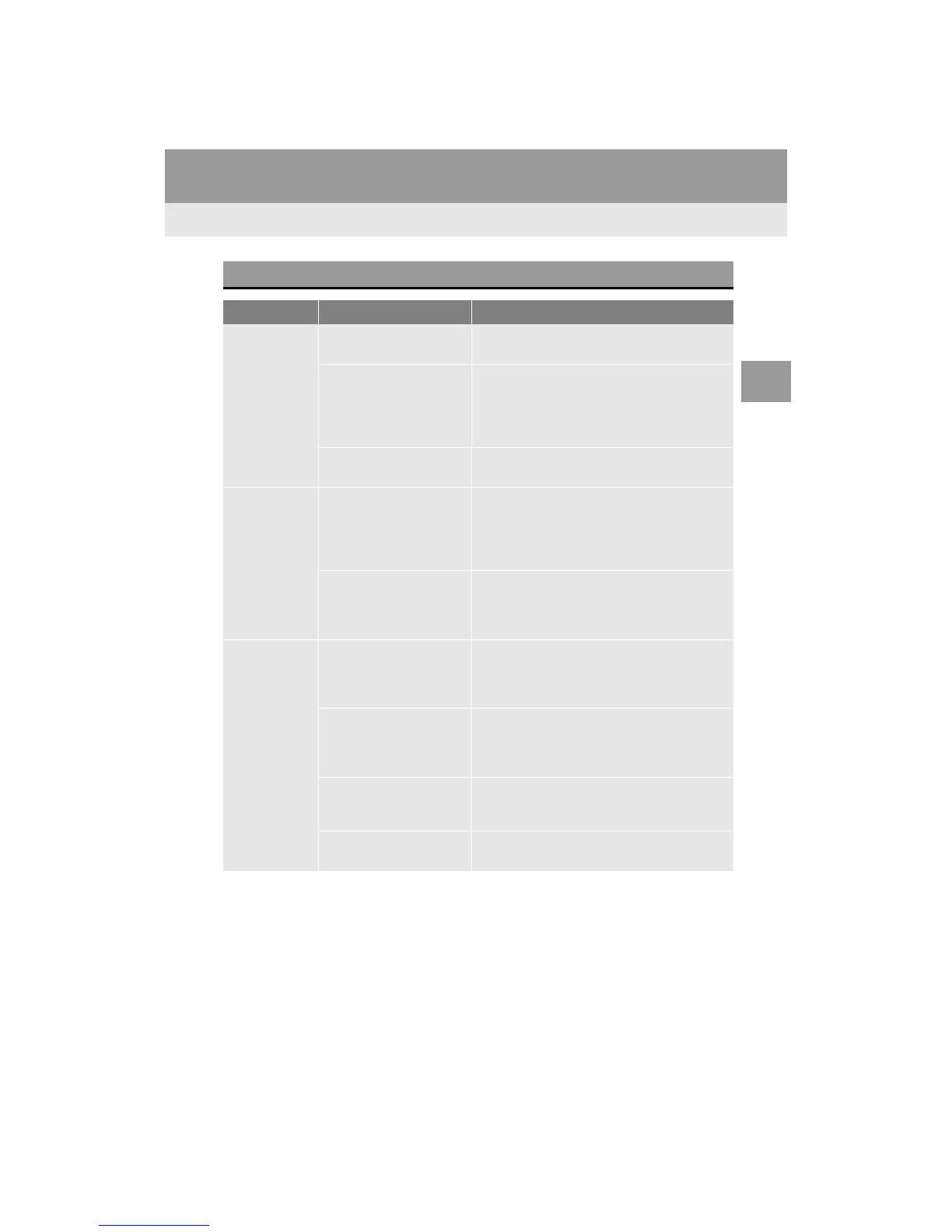
Mode Message Explanation
CD*
“No music files found.”
This indicates that no MP3/WMA/AAC files are
included in the disc.
“Check disc”
It indicates that the disc is dirty, damaged, or it
was inserted upside down. Clean the disc or in-
sert it correctly.
It indicates a disc which is not playable is insert-
ed.
“DISC Error”
There is a trouble inside the system.
Eject the disc.
USB
“Connection error. Please
consult your Owner’s
Manual for instructions on
how to connect the USB
device.”
This indicates a problem in the USB memory or
its connection.
“There are no files avail-
able for playback. Please
add compatible files to
your USB device.”
This indicates that no MP3/WMA/AAC files are
included in the USB memory.
iPod
“Connection error. Please
consult your Owner’s
Manual for instructions on
how to connect the iPod.”
This indicates a problem in the iPod or its con-
nection.
“There are no songs avail-
able for playback. Please
add compatible files to
your iPod.”
This indicates that there is no music data in the
iPod.
“Please check the iPod
firmware version.”
This indicates that the software version is not
compatible. Perform the iPod firmware updates
and try again.
“iPod authorization unsuc-
cessful.”
This indicates that it failed to authorize the iPod.
Please check your iPod.


 To Next Page
 Loading...




