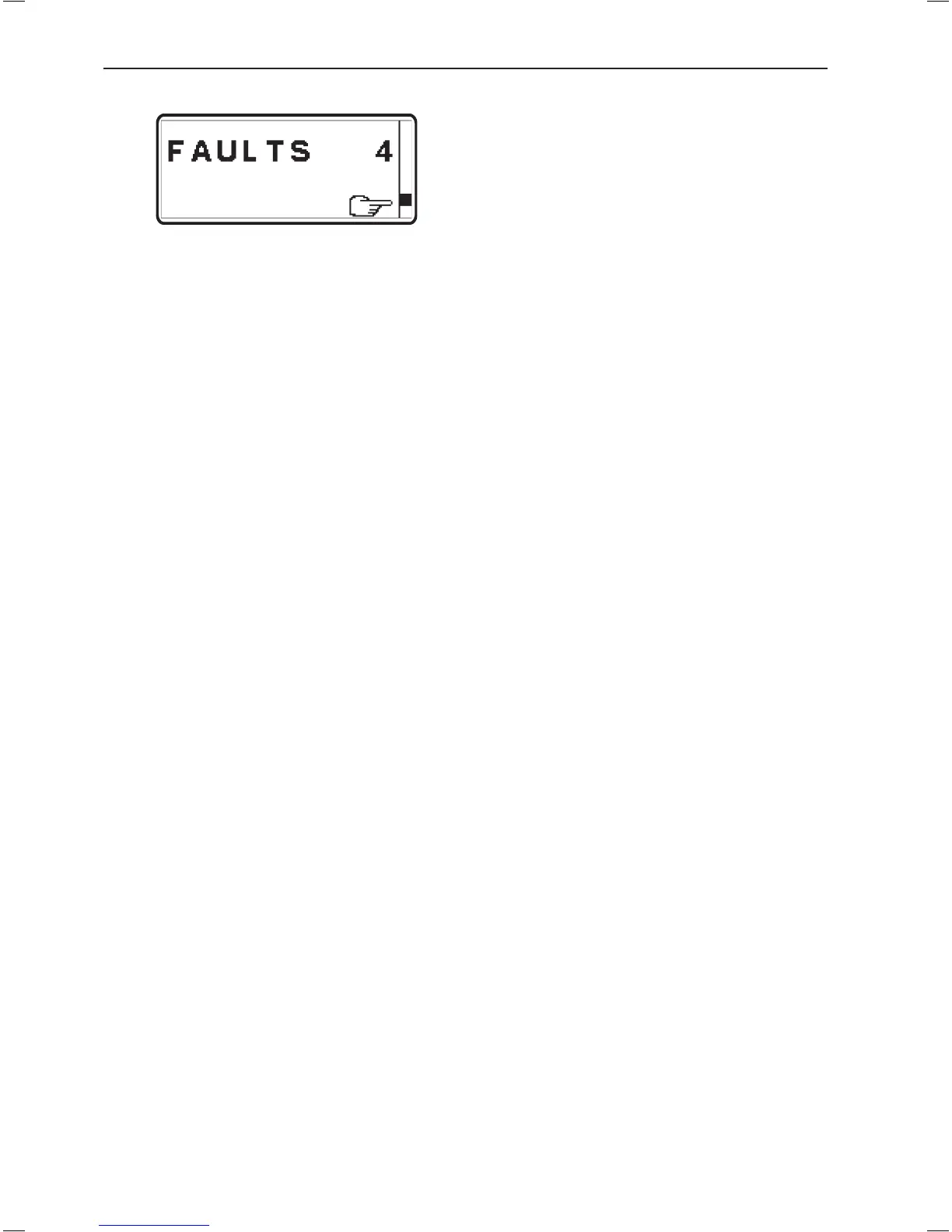
Faults are stored and malfunctions have been
registered
Faults list
A faults list can be viewed from the MAIN MENU in
the tachometer, if a fault is registered.
When in MAIN MENU, select FAULTS by pushing
NAVIGATION WHEEL. Number after FAULTS indi-
cates number of faults stored in faults list. Show faults
in faults list by turning NAVIGATION WHEEL.
Shown fault pop-ups will alternate between "cause of
fault" and "measures to take".
More information regarding "cause of fault" and "mea-
sures to take" is found in chapter "Fault register".
Erasing faults in faults list
Any fault pop-up in the diagnostic function are auto-
matically erased every time the starter key is turned
to the stop position (S).
NOTE! Stop the engine and check that the ignition
key(s) is(are) in position 0 in all control positions.
When system voltage is switched on again, the diag-
nostic function checks to see whether there are any
faults in the EVC system. If this is the case, new fault
pop-ups are shown.
This implies that:
1. Faults which have been attended to or have dis-
appeared are automatically erased.
2. Faults which have not been attended to must be
acknowledged every time the system voltage is
switched on.
102
In case of emergency


 To Next Page
 Loading...