43
43
Index
Contents
Index
Contents
FORCE PROPORTIONS
Check or uncheck the MAPPING tab’s FORCE PROPORTIONS box to determine the tablet to screen mapping
relationship.
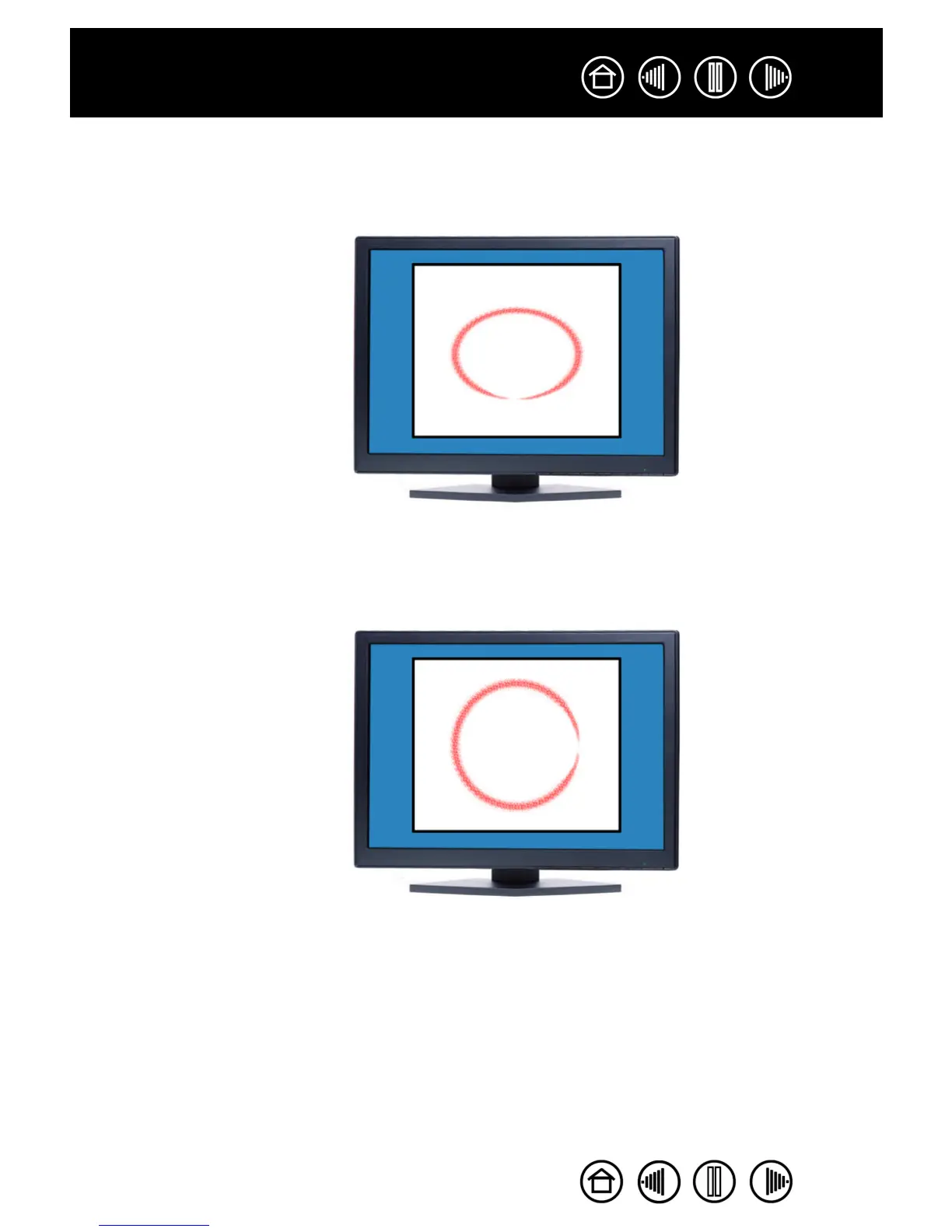
When FORCE PROPORTIONS is
checked, the correct vertical and
horizontal proportions are maintained
between the tablet and display.
Drawing a circle on the tablet results
in a circle on the display screen.
Depending on your settings, some
portions of the tablet active area may
no longer be usable when this option
is selected.
When FORCE PROPORTIONS is
unchecked, the correct scale or
proportions are not maintained. The
selected tablet area is mapped to the
selected display area. Drawing a
circle on the tablet may create an
ellipse on the display screen. This is
the default setting for all tools.


 To Next Page
 Loading...