VX-6R/E OPERATING MANUAL 35
Storing Independent Transmit Frequencies (“Odd Splits”)
All memories can store an independent transmit frequency, for operation on repeaters with
non-standard shift. To do this:
1. Store the receive frequency (downlink) using the method already described under
MEMORY STORAGE (it doesn’t matter if a repeater offset is active).
2. Turn to the desired transmit (uplink) frequency, then press and hold in the
[
F/W
]
key
for one second.
3. Within five seconds of releasing the
[
F/W
]
key, rotate the DIAL knob to select the
same memory channel number as used in step “1” above.
4. Press and hold in the PTT switch, then press the
[
F/W
]
key once more momentarily
while holding the PTT switch in (this does not key the transmitter).
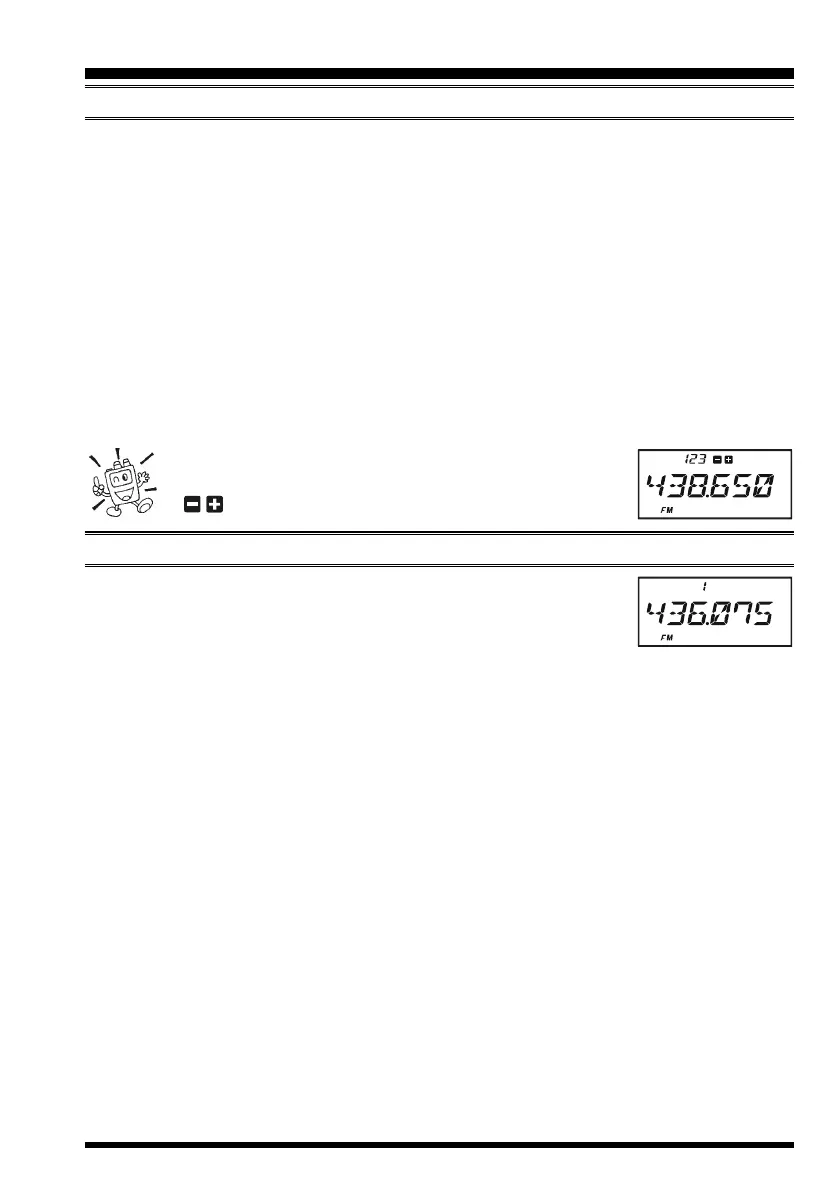
Whenever you recall a memory which contains indepen-
dently-stored transmit and receive frequencies, the
“ ” indication will appear in the display.
MEMORY RECALL
1. While operating in the VFO mode, press the
[
V/M
(
DW
)
MT
]
key
to enter the Memory mode.
2. Rotate the DIAL knob to select the desired channel.
3. To return to the VFO mode, press the
[
V/M
(
DW
)
MT
]
key.
When the radio is already set to the Memory mode, an easy way to recall memories is to key
in the memory channel number, then press the
[
V/M
(
DW
)
MT
]
key.
For example, to recall memory channel #14, press
[
1
]
[
4
]
[
V/M
(
DW
)
MT
]
.
You may also recall Memory Channel #000 and Programmable Memory channels (“L01/
U01” through “L50/U50”) using the following numbers: Memory Channel #000 = “1000,”
Programmable Memory channels #L1 = “1001,” U1 = “1002,” L50 = “1099,” and U50 =
“1100.” In these case, you do not need to press the
[
V/M
(
DW
)
MT
] key.
MEMORY STORAGE
MEMORY MODE
(
REGULAR MEMORY CHANNEL
)



 To Next Page
 Loading...