60
Chapter 4: Keeping in touch
Recording calls
Your Zen device allows you to record a conversation for future reference or information.
1. Call a contact or dial a number.
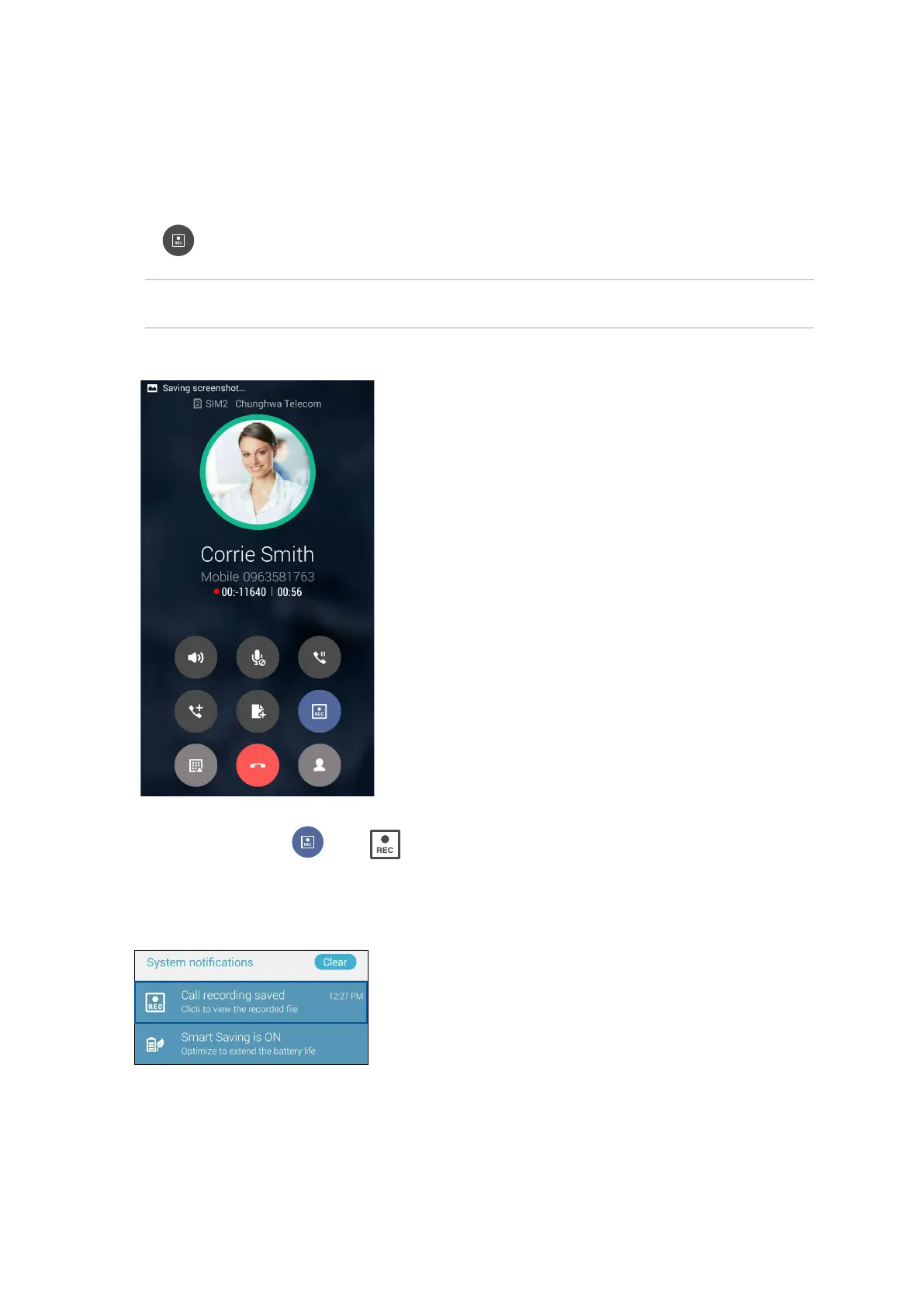
2. Tap to record the call.
IMPORTANT! Before recording a call, ensure that you ask for permission from the other party or
parties.
3. To stop recording, tap . This icon appears on the system notification bar.
4. Swipe down the upper left corner of the screen, then tap Call recording saved notification to
view the recorded conversation.


 To Next Page
 Loading...