80
Chapter 4: Keeping in touch
Viewing shared photos in Gallery app
The photos that you and your friends have shared in the Omlet Chat app’s chat room are instantly
saved to your device. You can view the shared photos using the Gallery app.
To view the shared photos:
1. Launch the Gallery app.
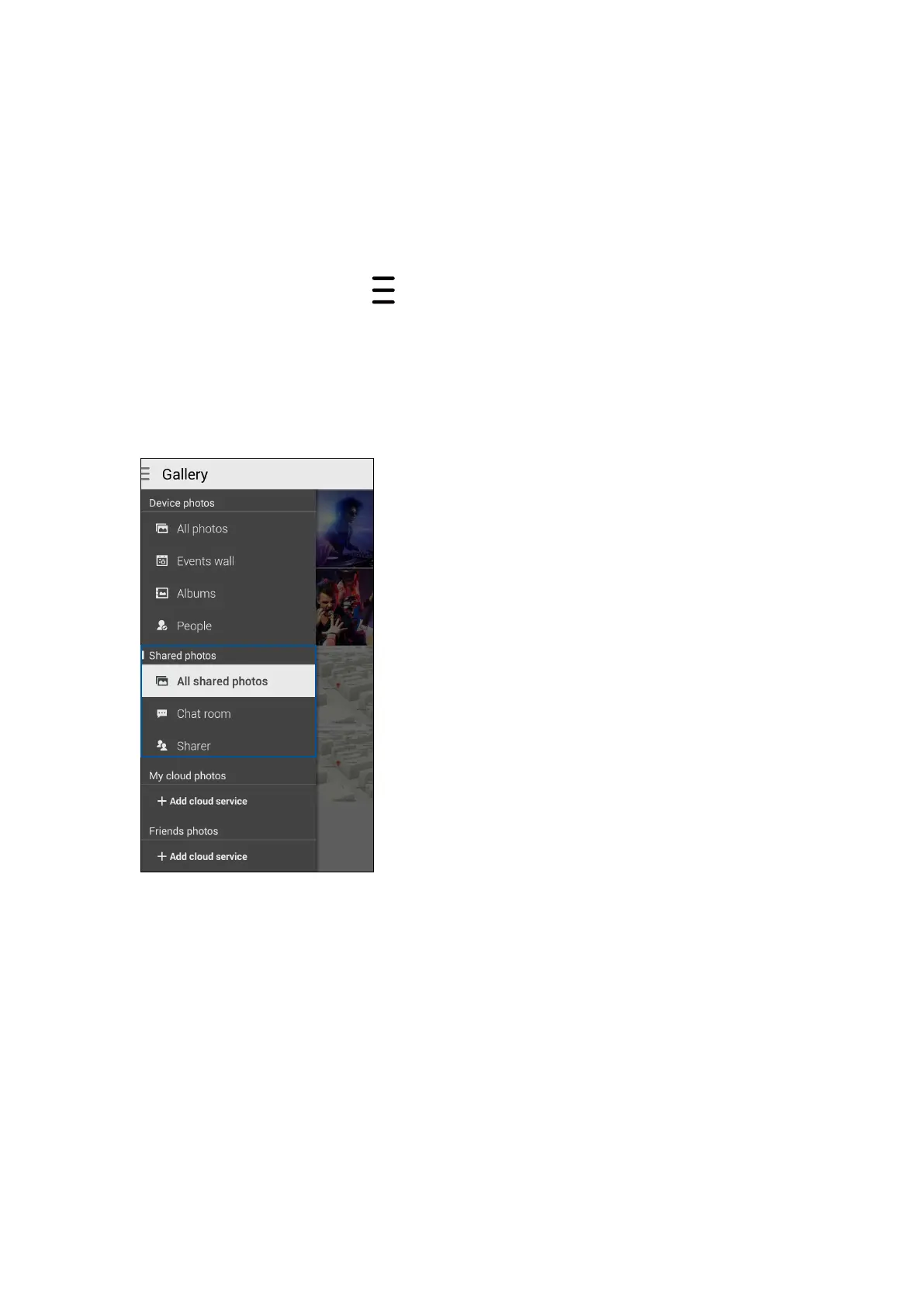
2. From the Gallery main screen, tap
then select from the following options:
a. All shared photos
b. Chat room
c. Sharer


 To Next Page
 Loading...