59
7
7
How to dial 7
Manual dialling 7
a Load your document.
b Press (Fax).
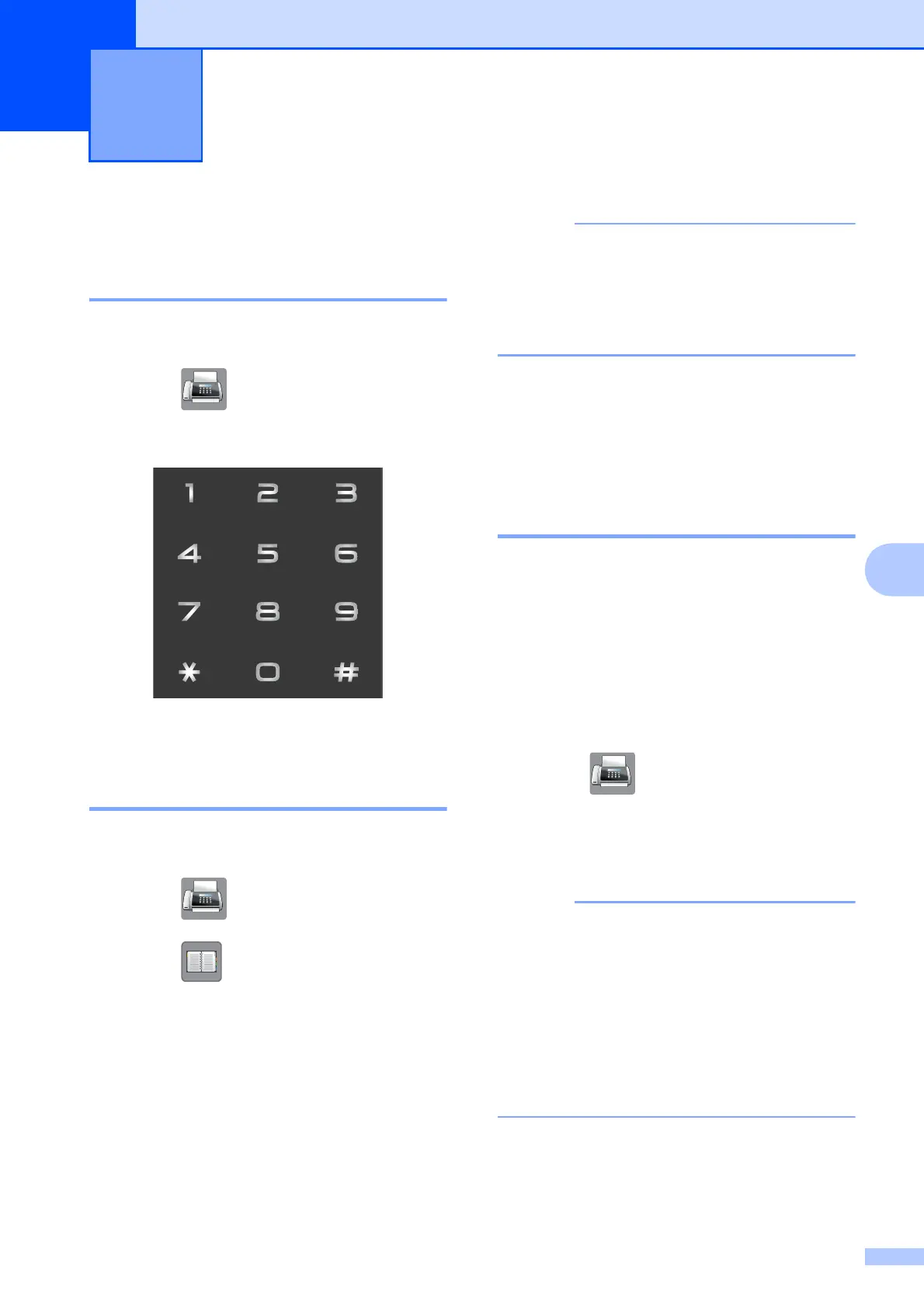
c Press all of the digits of the fax number.
d Press Fax Start.
Speed Dialling 7
a Load your document.
b Press (Fax).
c Press (Address).
d Do one of the following:
Press Alphabetical or
Numerical, and then press the
number you want to dial.
Press the 2-digit Speed Dial number
using the dial pad.
If the Touchscreen shows
Not Registered when you enter or
search a Speed Dial number, it means a
number has not been stored at this
location.
e To send a fax, press Send a fax and
go to step f.
f Press Fax Start.
The machine scans and sends the fax.
Fax Redial 7
If you are sending a fax automatically and the
line is busy, the machine will automatically
redial up to three times at five minute
intervals.
Redial only works if you dialled from the
machine.
a Load your document.
b Press (Fax).
c Press Redial.
d Press Fax Start.
• In Real Time Transmission the automatic
redial feature does not work when you are
using the scanner glass.
• If you are sending a fax manually and the
line is busy, press Hook before performing
step c above.
• Redial will change to Pause when you
enter a fax number.
Dialling and storing numbers 7


 To Next Page
 Loading...