5
Click [Register Default Key] on the right of the key pair you want to use.
Viewing details of a certicate
● You can check the details of the certicate or verify the certicate by clicking the corresponding text link
under [Key Name], or the certicate icon.
Verifying Key Pairs and Digital Certicates(P. 262)
6
Enable TLS for the Remote UI.
1
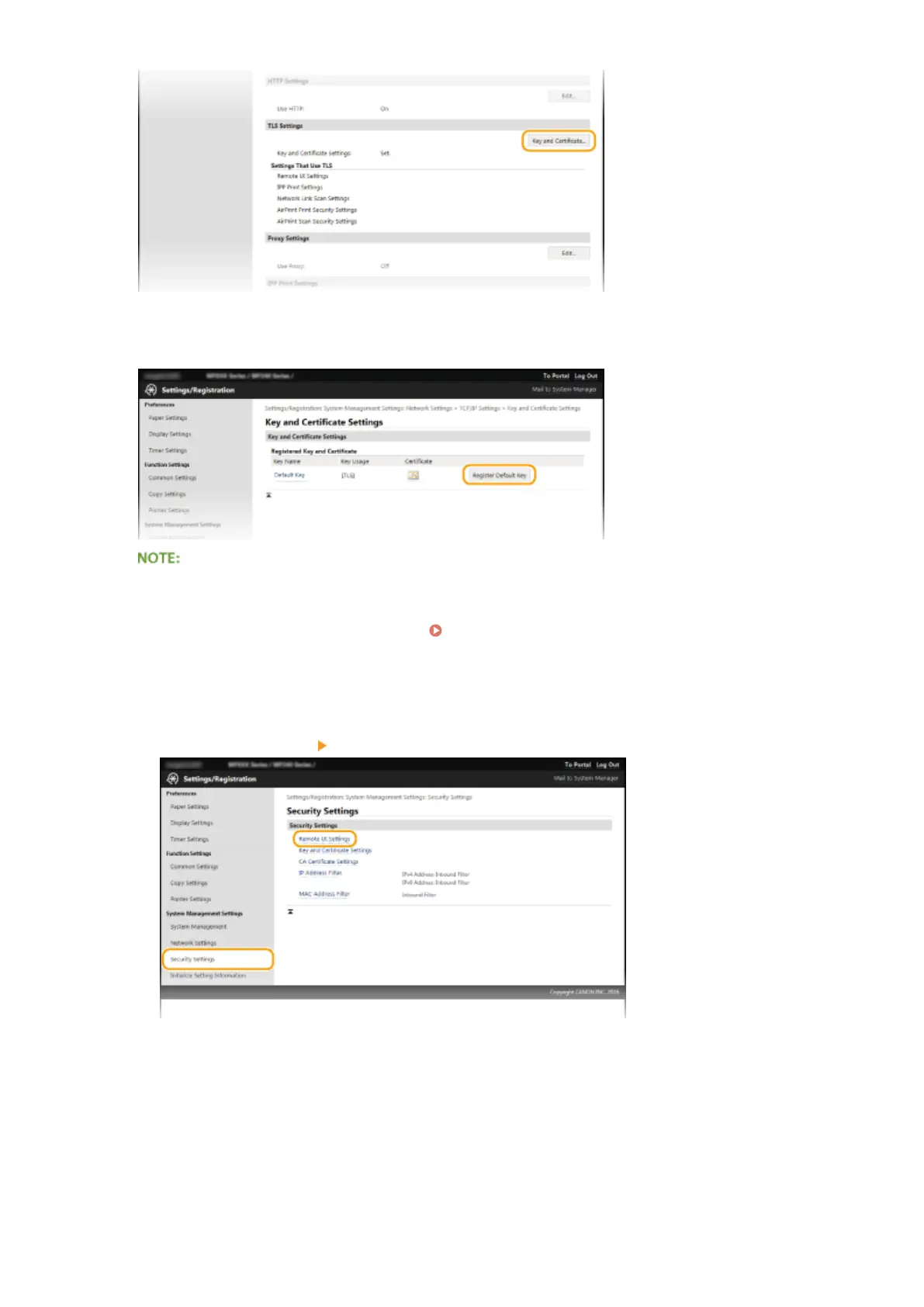
Click [Security Settings] [Remote UI Settings].
2
Click [Edit].
Security
243


 To Next Page
 Loading...