Combining Multiple Documents into One PDF File
85RS-037
Y
ou can combine multiple documents into one PDF le.
1
Place your documents on.
" Placing Documents
(P. 43) "
" Supported Document T
ypes(P. 67) "
2
Double-click the [Canon MF Toolbox 4.9] icon on the desktop.
The MF Toolbox starts.
3
Click [PDF].
4
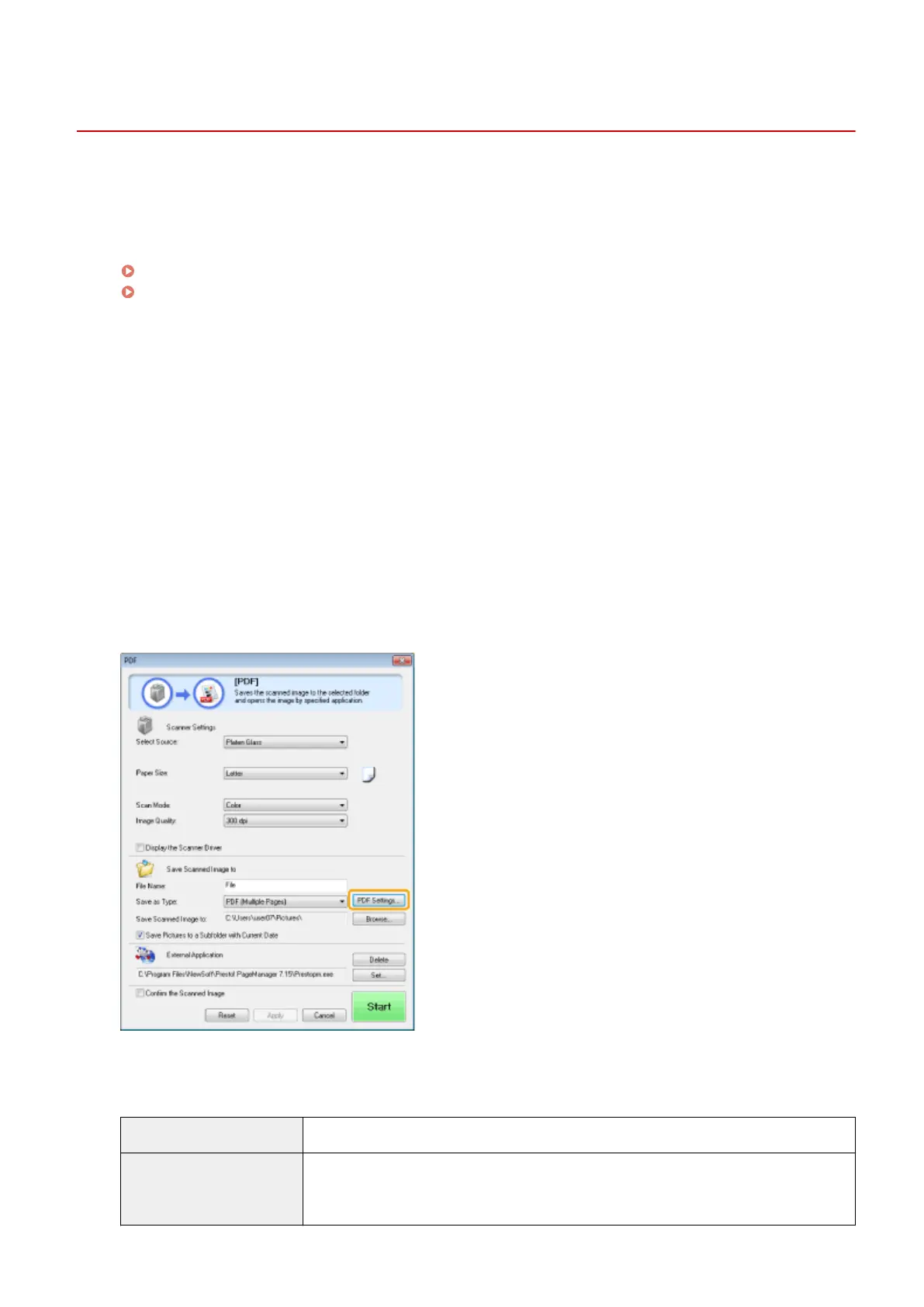
Select [PDF (Multiple Pages)] for [Save as Type].
5
Specify the required settings as needed and click [PDF Settings].
The [PDF Settings] dialog box appears.
6
Specify the required settings as needed and click [OK].
[Create Searchable PDF] Convert character data within the document to text data to create a searchable PDF le.
[Text Language]
Select the document language. When you select [English] from the drop-down list and set
[Image Quality] to [300 dpi] or a higher dpi for [Scanner Settings], char
acter data can be
more accurately scanned.
Scan
130


 To Next Page
 Loading...










