Relocating the Machine
85RS-055
See " Attention (Relocating the Machine)
(P. 219) " in advance.
Follow the steps in the procedure below to relocate the machine somewhere else for maintenance and other
purposes.
1
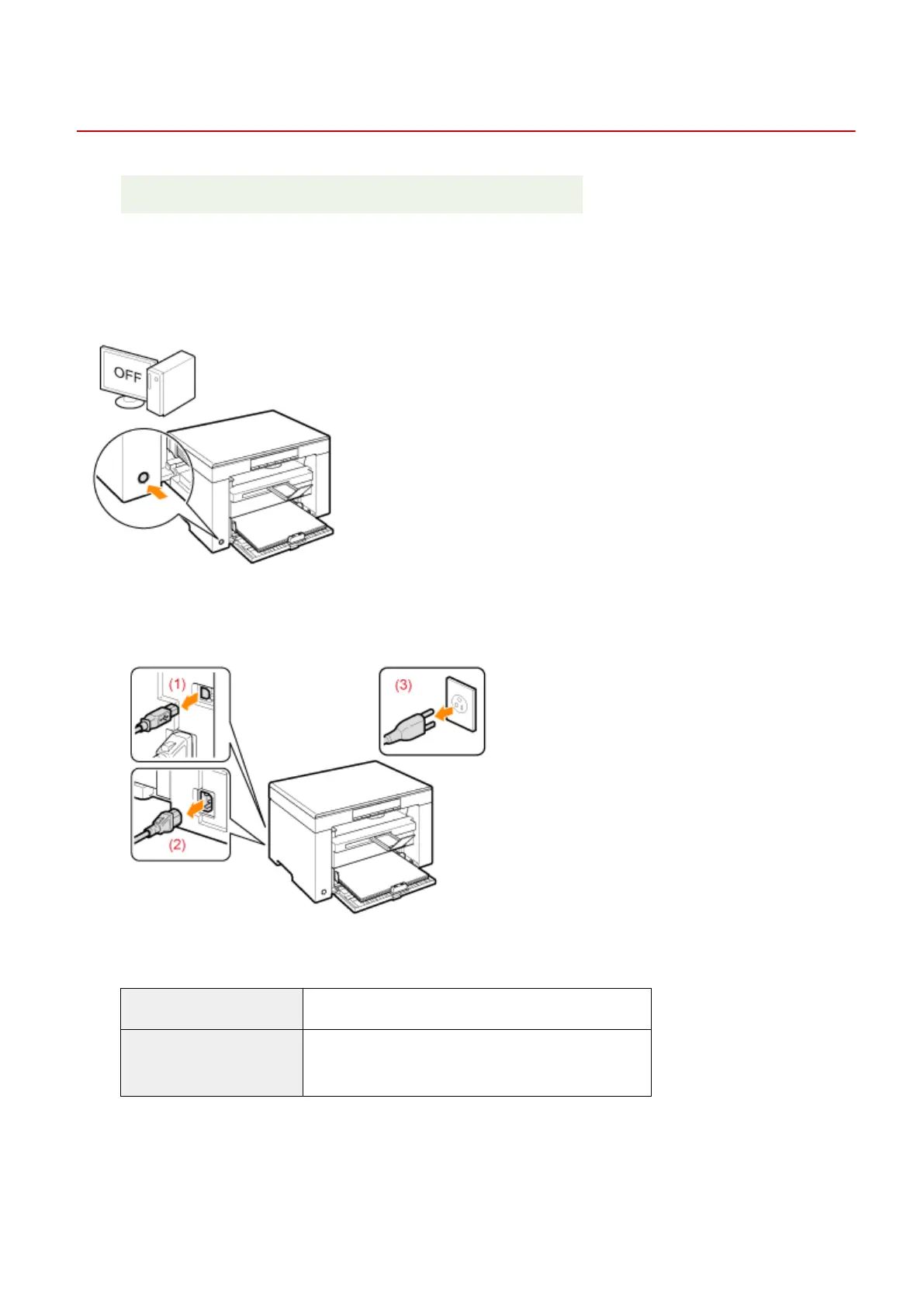
Turn OFF the machine and all the computers connected to the machine.
2
Disconnect all cables and the power cord from the machine.
How to remove the cables and power cord
USB cable (1) Remove it from the machine.
Power cord
(2) Unplug the power plug from the AC power outlet.
(3) Remove it from the machine.
3
Fold the paper stopper and push the output tray extension into the machine.
Maintenance
216


 To Next Page
 Loading...










