67 Menu function settings
Photos Settings menu
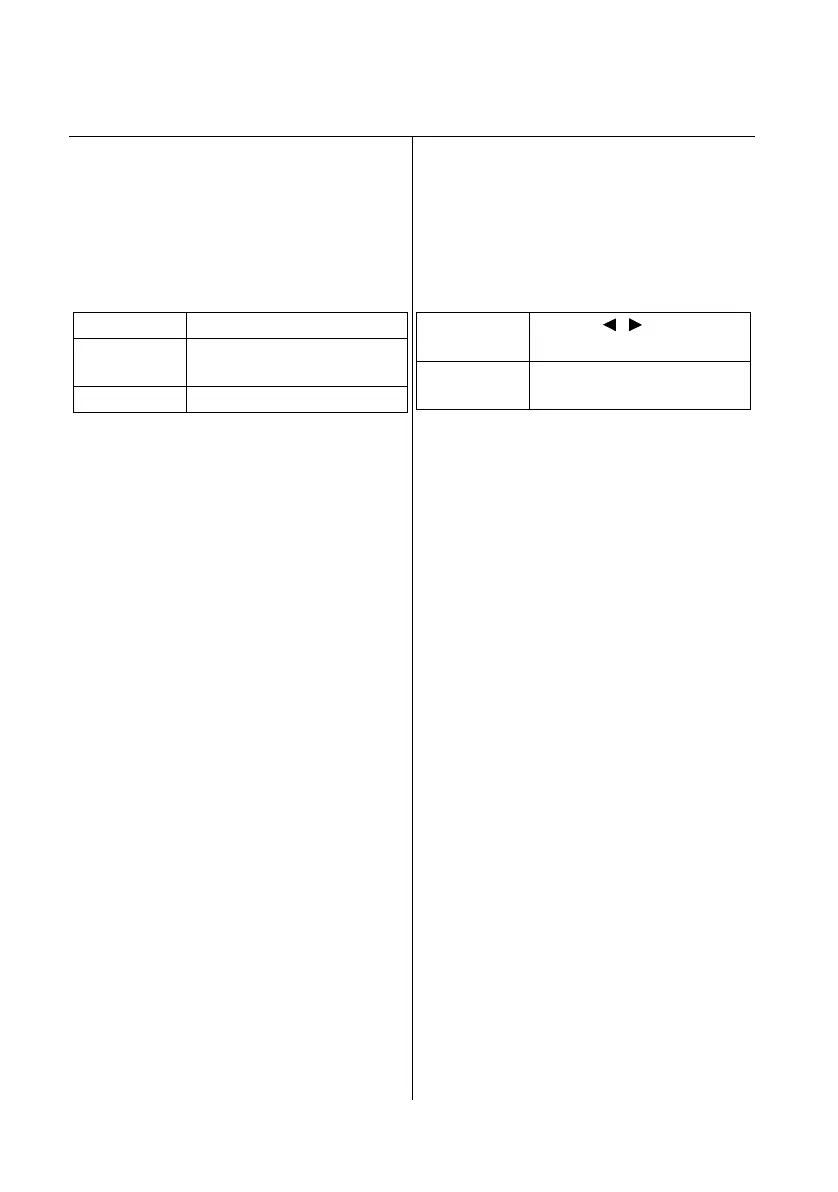
Setting the slideshow speed
Home screen > Setup > Photos Settings >
Slideshow Speed
This function allows you to set the speed at
which images are changed when Slideshow
Mode is set to All Photos in Folder.
Changing images automatically
Home screen > Setup > Photos Settings >
Slideshow Mode
This function allows you to change images
manually using the remote control, or change
images automatically.
Fast Changes images quickly.
Normal Changes images at normal
speed.
Slow Changes images slowly.
One Photo
Click
Press the / buttons to
change the image.
All Photos in
Folder
Changes images
automatically.


 To Next Page
 Loading...