Using the Software on the Macintosh Platform – Advanced Techniques
54
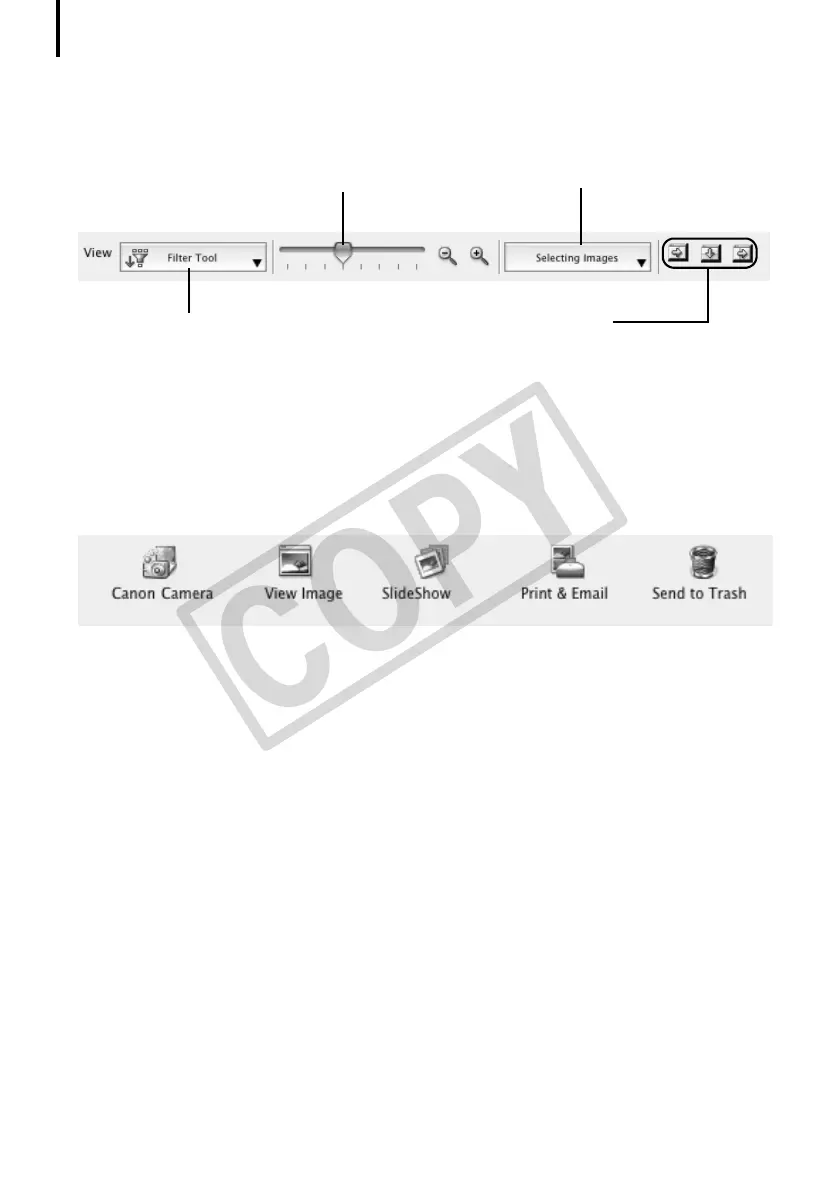
Display Control Panel
•ThispaneladjuststhedisplaysettingsfortheBrowserArea.
Control Panel
•Thecontrolpanelcontainsbuttonsforexecutingvariousfunctions.
ThefunctionsdisplayedhereareexplainedintheControl Panel Featuressection(p. 58).
Selection Menu
Click this to select/deselect all
images in the Browser Area.
Hide Buttons
Left: Hides the Explorer Panel and
the last downloaded image.
Middle: Hides the control panel.
Right: Hides the Show Shooting
Information panel in the
Preview display mode.
Display Size
Changes the size of the thumbnail in
the Browser Area.
Filter Tool Menu
Displays only images that correspond to the
specific conditions.


 To Next Page
 Loading...








