Installing Optional Accessories 65
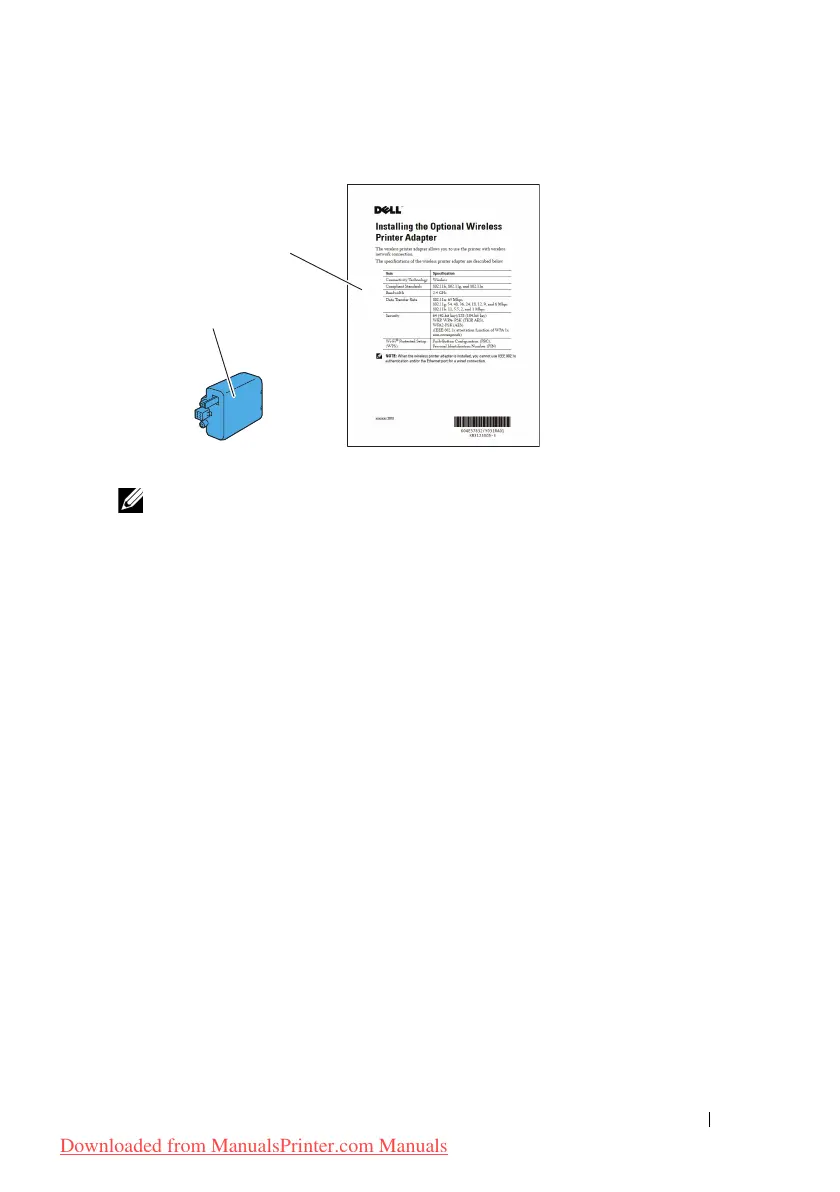
Verifying the Contents of the Box
NOTE: To complete wireless installation, you require the corresponding Drivers
and Utilities CD that comes with your printer, which can also be downloaded from
support.dell.com.
Installing the Wireless Adapter Using Video Instructions
(Recommended)
To install the Dell wireless adapter, perform the following method.
1
Insert the
Drivers and Utilities CD
in your computer. The
Easy Setup
Navigator
file launches automatically.
2
Select
Optional Accessories Setup
on the
Easy Setup Navigator
window.
Dell Wireless Adapter
Installing the Optional
Wireless Adapter
Downloaded from ManualsPrinter.com Manuals



 To Next Page
 Loading...







