Replacing supplies
Replacing the toner cartridge
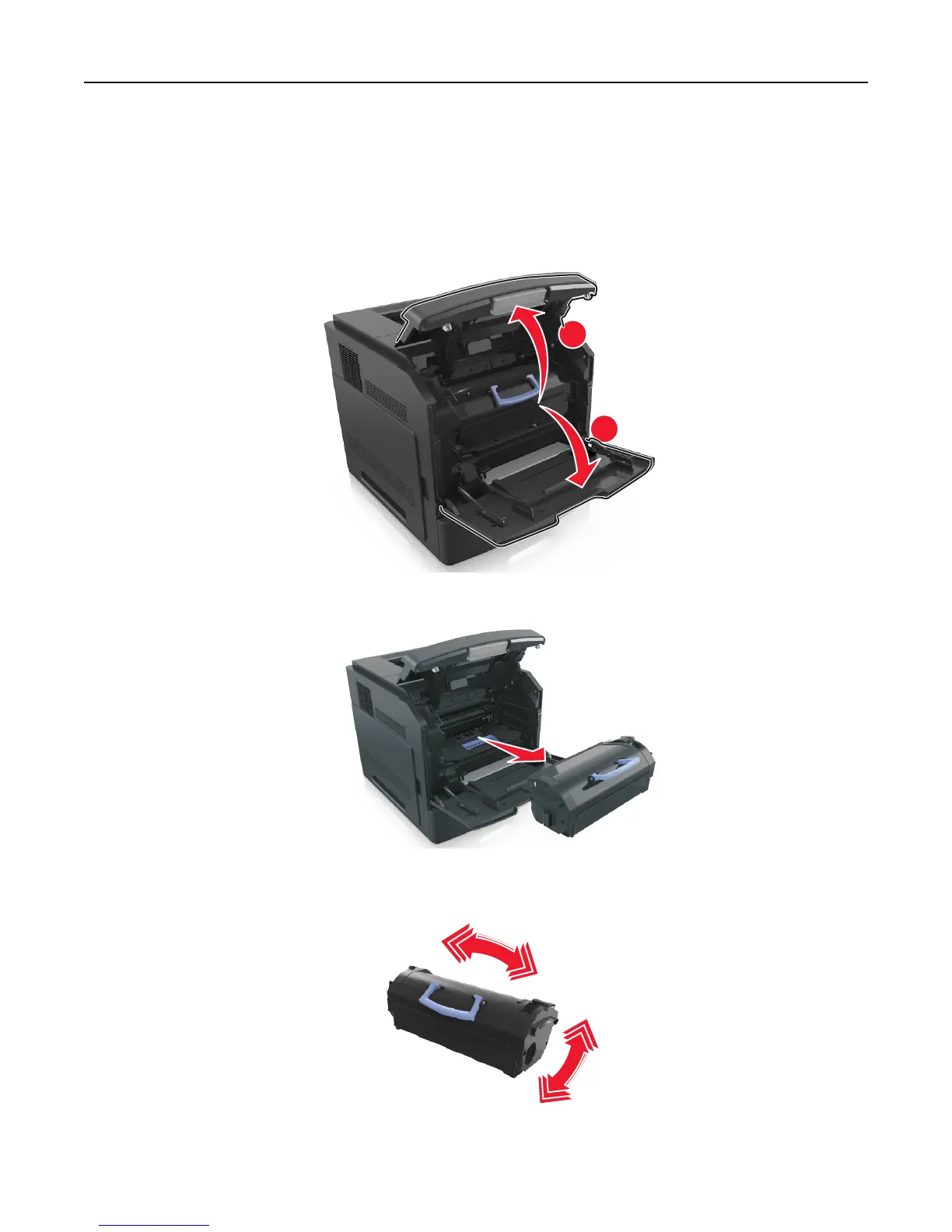
1 Lift the front cover, and then pull down the multipurpose feeder door.
2
1
2 Pull the cartridge out of the printer using the handle.
3 Unpack the new toner cartridge, then remove the packing material, and then shake the cartridge to redistribute
the toner.
4 Insert the toner cartridge into the printer by aligning the side rails of the cartridge with the arrows on the side rails
inside the printer.
Maintaining the printer 134


 To Next Page
 Loading...













