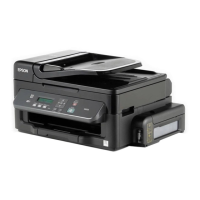
Inside
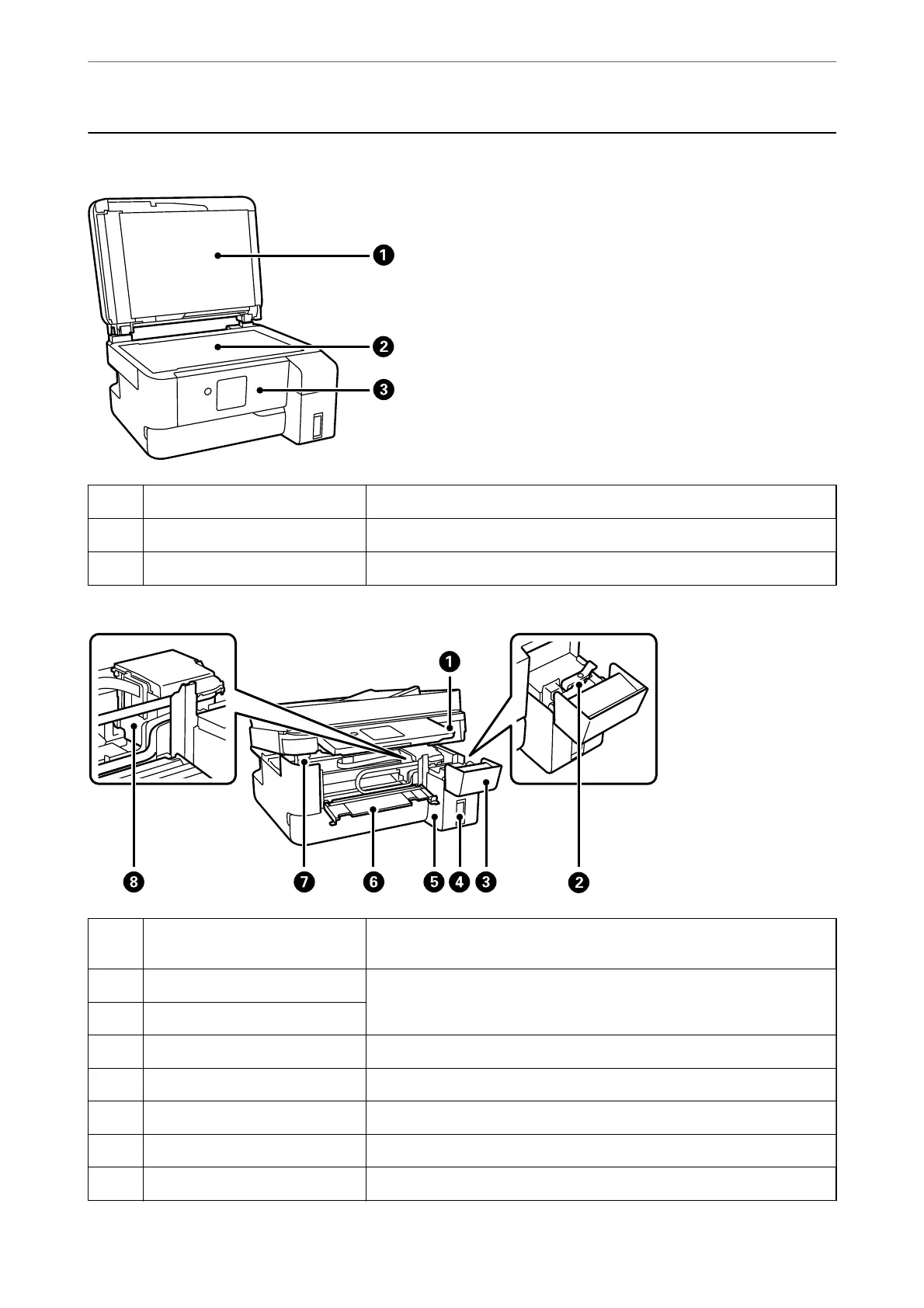
A
Document cover Blocks external light while scanning.
B
Scanner glass Place the originals.
C
Control panel Indicates the printer's status and allows you to make print settings.
A
Scanner unit Scans placed originals. Open to remove jammed paper. This unit should
usually be kept closed.
B
Ink tank cap Open to rell the ink tank.
C
Ink tank cover
D
Ink reservoir tank (Ink tank) Supplies ink to the print head.
E
Ink tank unit Contains the ink tank.
F
Inner cover Open when removing jammed paper inside the printer.
G
Scanner unit support Supports the scanner unit when opening it.
H
Print head Ink is ejected from the print head nozzles underneath.
Part Names and Functions
>
Inside
18


 To Next Page
 Loading...