S E T U P F O R M C H A P T E R 4
Panadapter
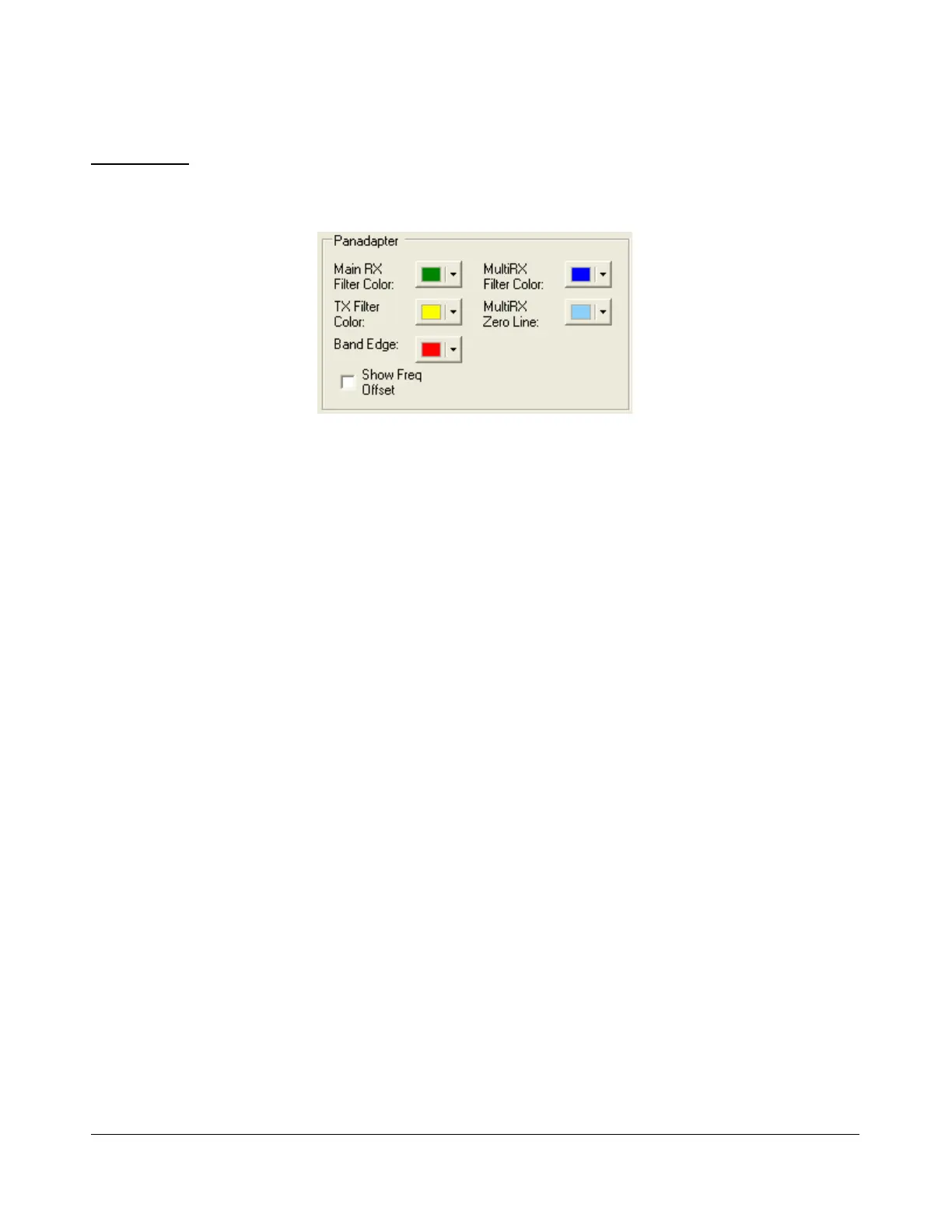
These controls change the appearance unique to the Panadapter display (and Waterfall for the filters
across the top).
Figure 117: Panadapter Appearance Controls
Main RX Filter Color: The color of the Main RX Filter.
MultiRX Filter Color: The color of the MultiRX Filter.
TX Filter Color: The color of the TX filter-edges.
MultiRX Zero Line: The color of the 0 Hz line of the Sub RX Filter.
Band Edge: The color of the lines marking the edge of an Amateur band.
Show Freq. Offset: When selected, the offsets from the Main RX Filter 0Hz line are shown
across the top as opposed to the actual frequencies.
[The rest of this page has been left blank intentionally]
118 2003-2008 FlexRadio Systems



 To Next Page
 Loading...




