7. ALARMS
7-3
7.4 XTE Alarm
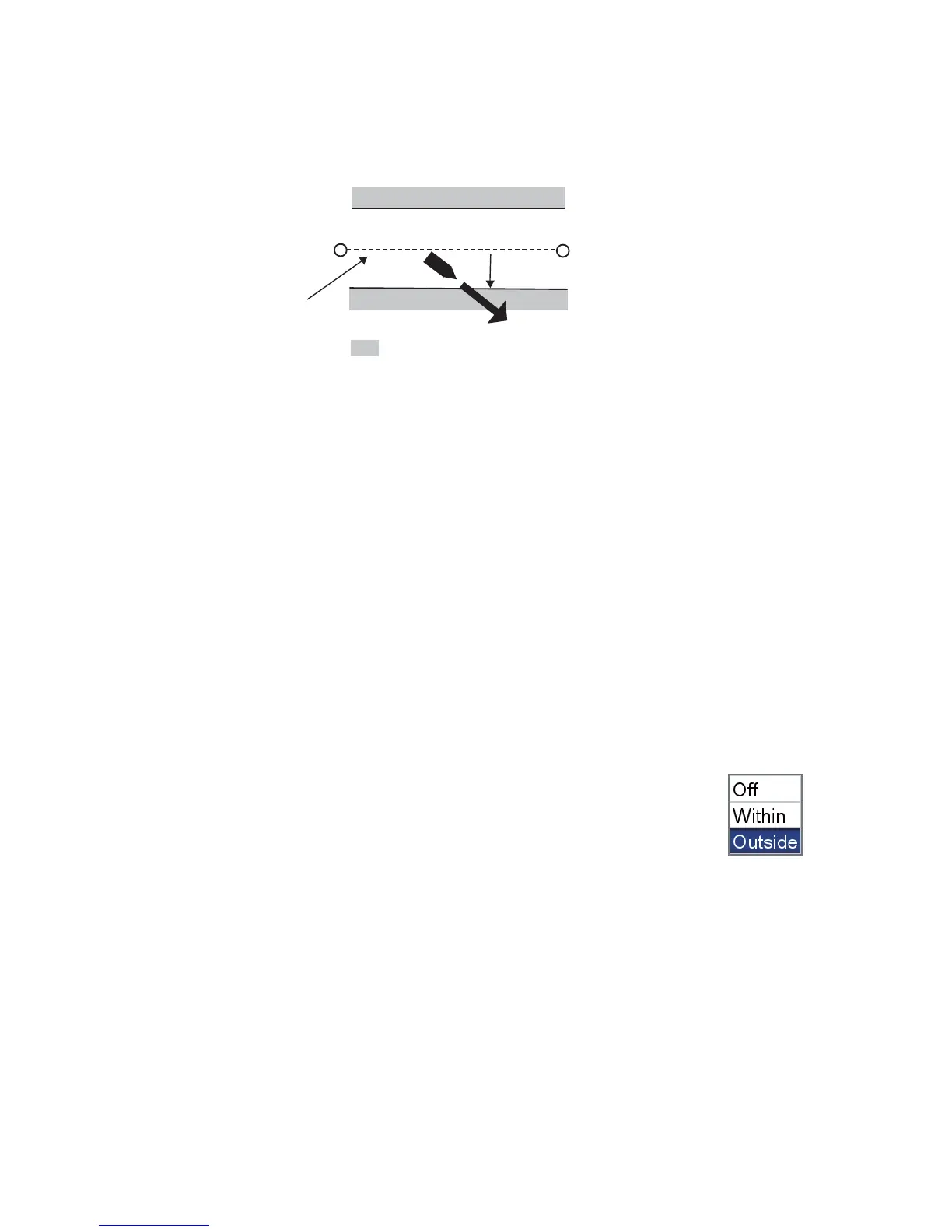
The XTE (cross-track error) alarm warns you when your boat is off its intended course.
You must set a destination to use this alarm.
To set the XTE alarm:
1. Open the [ALARMS] menu then select [XTE ALARM].
2. Confirm that the cursor is selecting the top line then push the RotoKey
TM
.
3. Select [On].
4. Set the alarm value at [Distance].
5. Press the ESC/MENU key to close the menu.
7.5 Temperature Alarm
The temperature alarm, which requires water temperature data, alerts you to changes
in water temperature. There are two types of alarms: [Within] and [Outside]. The [With-
in] alarm sounds when the water temperature is within the range set, and the [Outside]
alarm sounds when the water temperature is higher or lower than the range set.
To set the temperature alarm:
1. Open the [ALARMS] menu then select [TEMPERATURE ALARM].
2. Confirm that the cursor is selecting the top line then push the
RotoKey
TM
.
3. Select [Within] or [Outside] as appropriate.
4. Select [Min].
5. Set the minimum temperature.
6. Select [Max].
7. Set the maximum temperature.
Note: You can switch between plus and minus with the RotoKey
TM
.
8. Press the ESC/MENU key to close the menu.
: Alarm area
Destination
waypoint
Own ship
position
Alarm
setting
Intended
course


 To Next Page
 Loading...








