7.1 NAVIGATING USING ROUTES
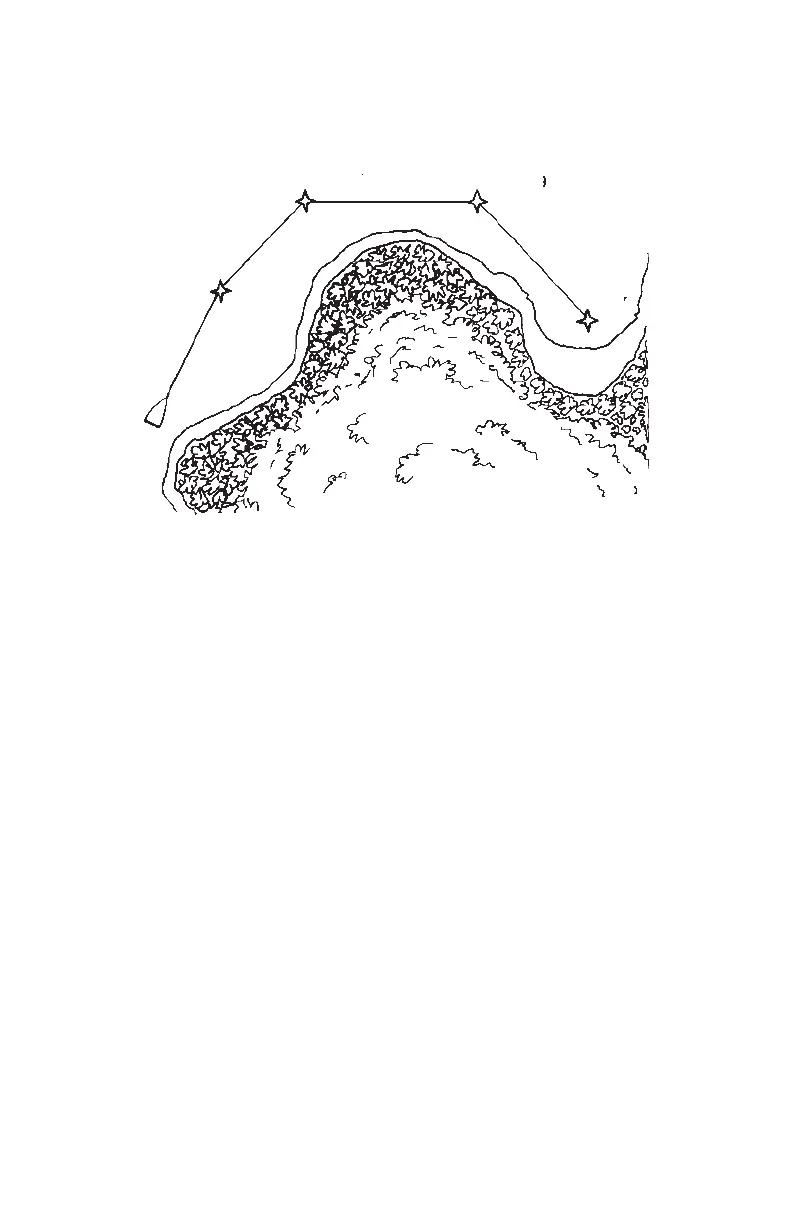
Route 0 is called the active route and is the route used for navigation. The
waypoint toward which you are navigating is called the “active to” waypoint.
The waypoint immediately behind you is called the “active from” waypoint.
The line defined by two consecutive waypoints in a route is called a “leg”. The
leg that connects the “active from” and “active to” waypoints is called the
“active leg”.
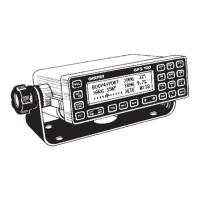
The GPS 100 features automatic leg selection which will select the route
segment closest to your position as the active leg. If you wish to navigate to
a waypoint other than that chosen by the GPS 100, use the GOTO function
to choose the desired waypoint.
The GPS 100 also features automatic leg sequencing. As you pass a
waypoint in the route, the unit will automatically select the next waypoint as
the “active to” waypoint. If your speed is greater than 65 knots, the GPS 100
will provide smooth steering around the turn.
7-2
BOUY9POINT
BOUY7
BAY


 To Next Page
 Loading...