14-9
14.5 BATTERY PACK OPERATION
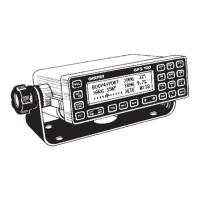
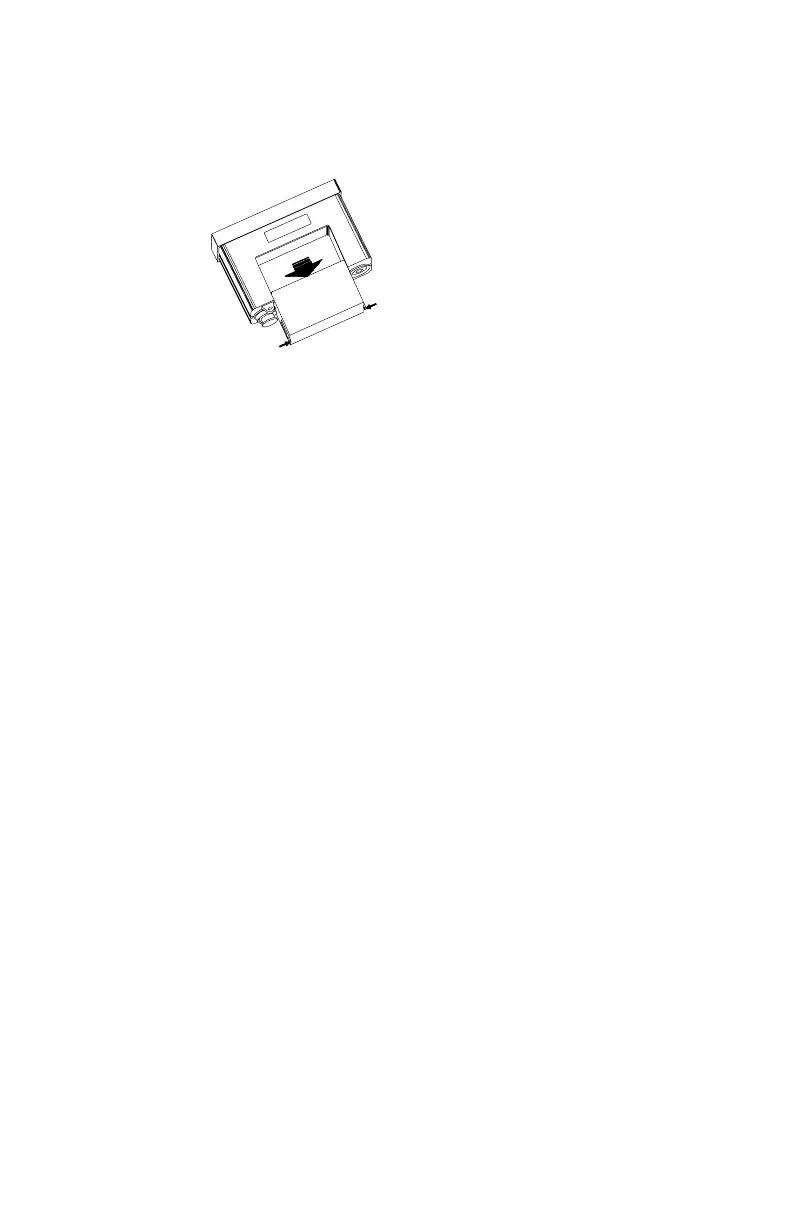
The GPS 100 battery pack has been designed for easy removal and
insertion.
To remove the battery pack...
· Press and hold the tabs located at the rear of the unit toward the
center.
· Push the battery pack out using your fingers.
To replace the battery pack...
· Push the battery pack into the unit until the tabs snap into place.


 To Next Page
 Loading...