M
AVTMTTR100-ENG Rev 6 Nov 2015
54
Opening Display Screen
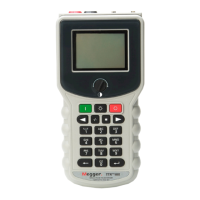
The LCD displays the opening screen (Figure 6-1) as the test set performs a
diagnostic self-check of the electronics.
Figure 6-1. Opening Display Screen
If at power-up self-testing any errors are detected, one of the error messages
listed in the ERROR MESSAGES section will be displayed on the screen.
If no errors are detected, the screen showing a battery charge level, in % of full
charge, is displayed for 3 sec. Depending on battery charge level, the “DO NOT
CHARGE BATTERY!” or “CHARGE BATTERY!” message follows the battery
charge level message.
MEGGER
06/15/03 14:09
SINGLE PHASE TTR
VERSION : 1.00
SELF-TEST IN PROGRESS
COPYRIGHT 2003
ALL RIGHTS RESERVED


 To Next Page
 Loading...