133More About Playback
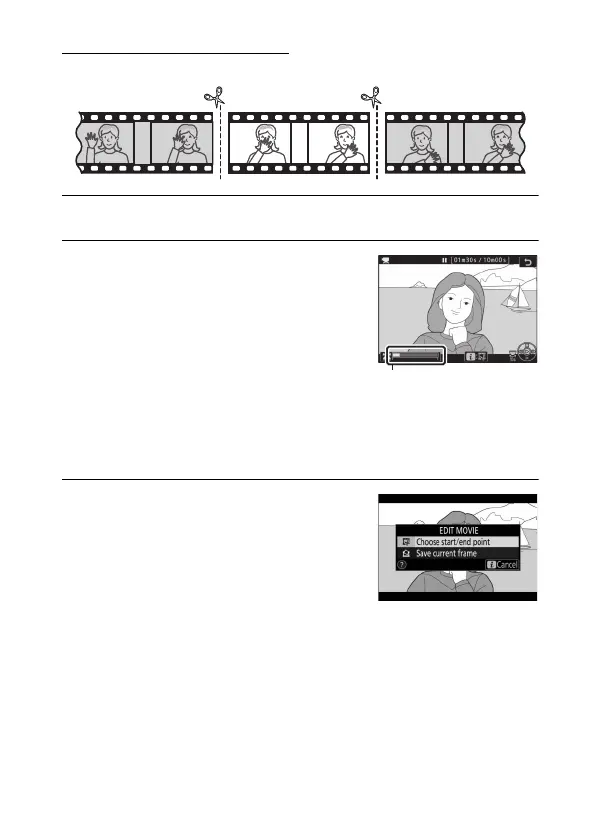
Choose Start/End Point
Follow the steps below to create trimmed copies of movies.
1 Display a movie full frame.
2 Pause the movie on the new
opening frame.
Play the movie back as described in
“Viewing Movies” (0 49), pressing J
to start and resume playback and 3
to pause, and pressing 4 or 2 or
rotating the main or sub-command
dial to locate the desired frame. Your approximate position in
the movie can be ascertained from the movie progress bar.
Pause playback when you reach the new opening frame.
3 Select Choose start/end point.
Press the i button to display the i
menu, then highlight Choose start/
end point and press J.


 To Next Page
 Loading...











