318 Menu Guide > N The Retouch Menu
Create a cropped copy of the selected photograph. The selected
photograph is displayed with the selected crop shown in yellow;
create a cropped copy as described below.
• To reduce size of the crop: Press W (Q).
• To increase size of the crop: Press X.
• To change the crop aspect ratio: Rotate the main command dial.
• To position the crop: Use the multi selector. Keep the multi selector
pressed to move the crop rapidly to the desired position.
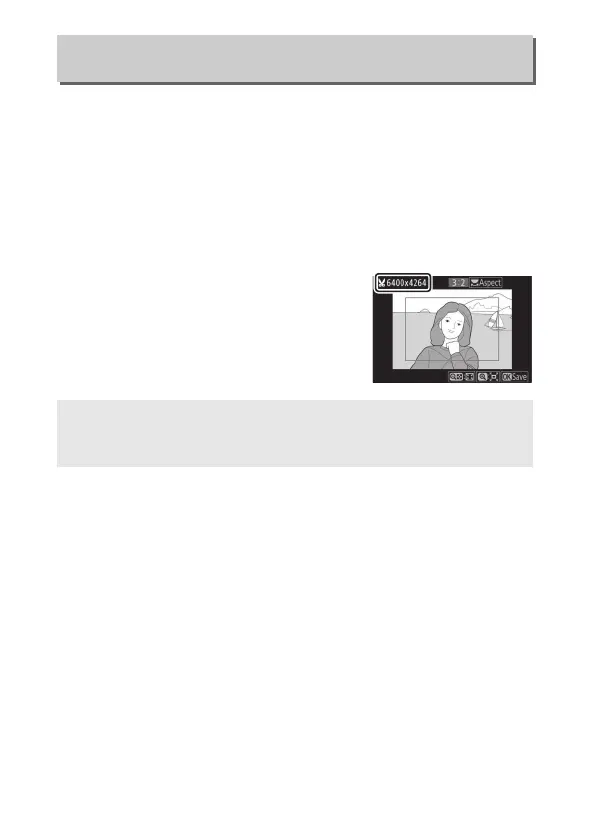
• To create a cropped copy: Press J to save
the current crop as a separate file. The
size of the copy varies with crop size
and aspect ratio and appears at upper
left in the crop display.
Trim
G button ➜ N (retouch menu)
D Viewing Cropped Copies
Playback zoom may not be available when cropped copies are
displayed.


 To Next Page
 Loading...











