61Basic Settings
White balance ensures that white objects appear white,
regardless of the color of the light source. The default setting
(j) is recommended with most light sources. If the desired
results cannot be achieved with auto white balance, choose
another option as described below.
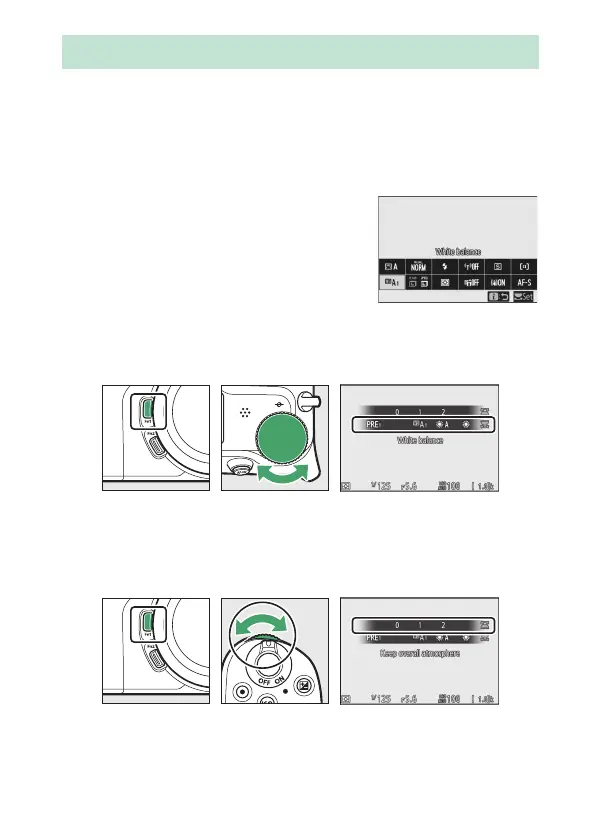
White balance can be selected using the
White balance items in the i menu and
the photo and movie shooting menus
(0 96, 168, 238).
At default settings, white balance can also be selected by
holding the Fn1 button and rotating the main command dial
(0 24).
When 4 (Auto), I (Fluorescent), K (Choose color
temperature), or L (Preset manual) is selected, you can
choose a sub-option by holding the Fn1 button and rotating the
sub-command dial.
White Balance


 To Next Page
 Loading...











