Account Reports6.7
How to Generate the Account Report
• This report displays the list of accounts in the mailing system.
• To generate the report the Account Mode has to be 'Account' or 'Account with
pin code'.
• Report output is printer or USB memory key.
To generate the Account Report:
1. Make sure the current account mode is 'Account' or 'Account with PIN code'.
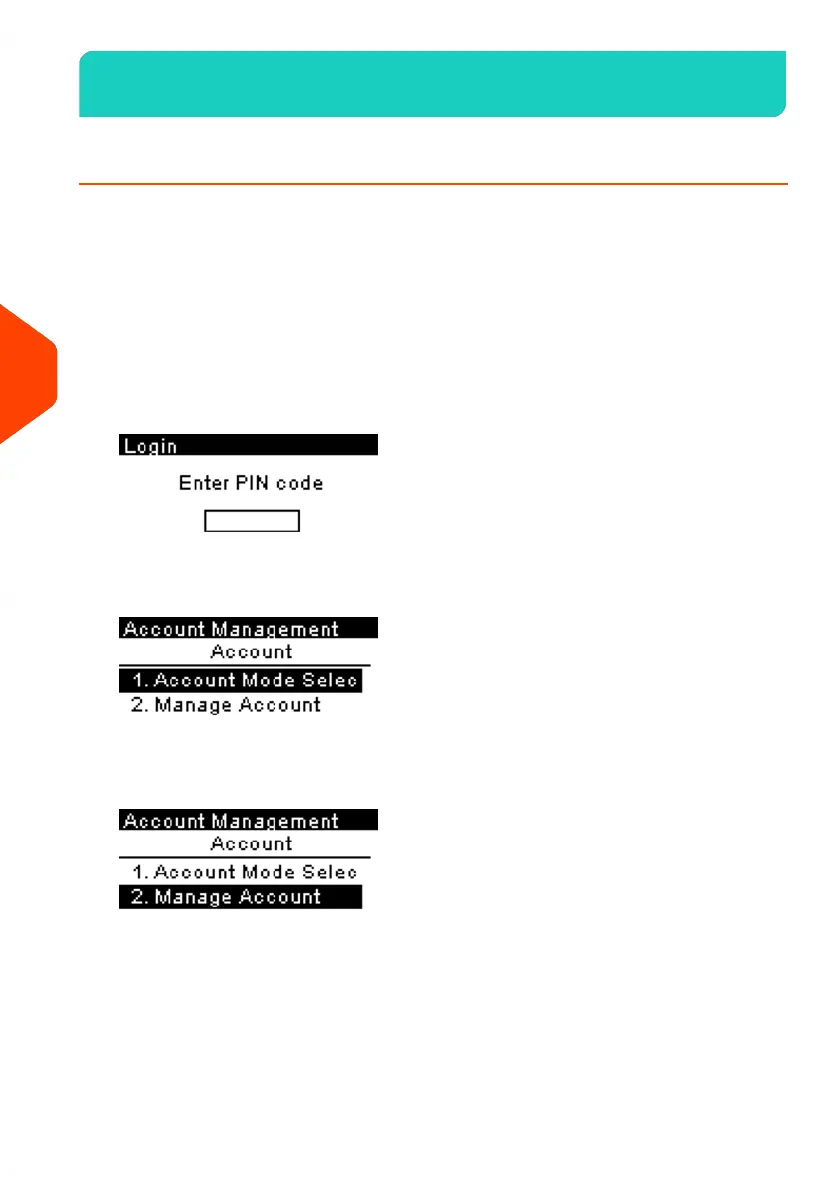
2. Press Menu and select Account management.
The Login screen is displayed.
Enter the Supervisor PIN code and press [OK].
3. Select Manage Account and press [OK].
140
| Page 140 | Jun-21-2021 09:24 |
6
Accounts and Access Control


 To Next Page
 Loading...











