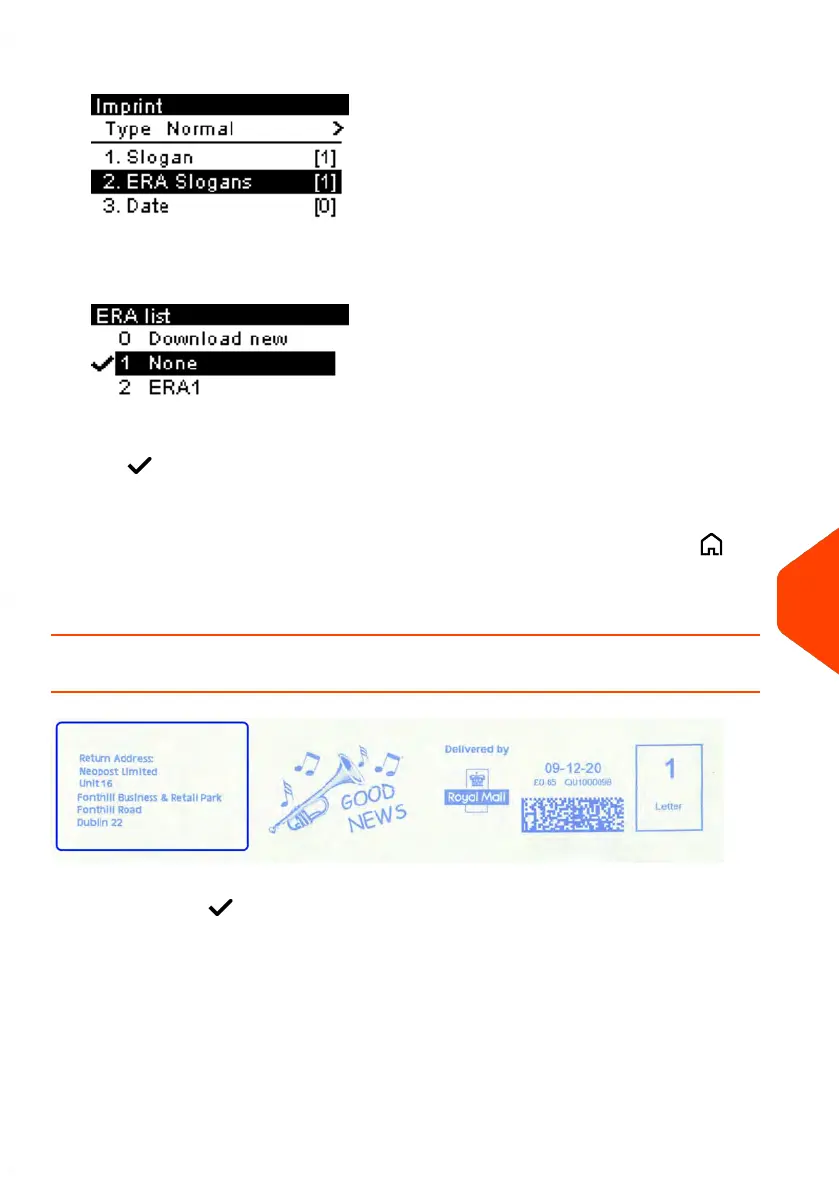
2. Select ERA Slogans and press [OK].
The ERA list screen is displayed.
3.
Select the desired ERA in the list or None for printing no ERA.
The icon indicates the current selection.
4. Press [OK] to validate your selection.
The Imprint screen is displayed with updated parameters (home screen: ).
See also
• Managing ERAs on page 216
How to Display the List of ERAs
The list of ERAs includes the ERAs that are installed in the Mailing System and indicates
with a check mark the active ERA.
To display the list of ERAs:
11
Options and Updates
217
| Page 217 | Jun-21-2021 09:24 |


 To Next Page
 Loading...











