41
Using the E-A7 as a Song Player
6. To assign the next marker, repeat steps 3–5.
7. Press the [
s
] button to stop song playback.
8. To delete a marker, use the function buttons to select
“Mark O.”
The indicator of the corresponding button (Variation [1]–[4]) goes
dark.
Saving a Song that Contains Markers
1. Specify a marker location in the song.
&
“Creating/Deleting Markers” (p. 40)
2. Open the “Smf Mark Jump Edit” page.
There are two ways to do this.
a. Long-press a VARIATION [1]–[4] button.
b. From “MENU,” select the “Smf Mark Jump Edit” page.
3. Press the [Option] button.
4. Use the direct buttons to select the “Save Song.”
5. Use the direct buttons and function buttons to select
the save-destination.
Button Explanation
[R1] (Int/Ext)
Switches between Internal Storage and External
Storage.
[F4] [F5] (Page) Switch pages.
[L1] Up folder Exits the folder.
6. Press the [Enter] button.
Assign a name.
&
For details on how to assign a name, refer to “Assigning Names”
(p. 16).
If you decide to cancel, press the [Exit] button.
7. Press the [F5] (Exec) button.
The song is saved.
MEMO
If there is a le with the same name as the name you entered, a
screen asks you to conrm the overwrite.
If you want to save, select “YES” to replace it with the le you
renamed.
If you decide to rename the le, select “NO” and return to the
page where you can rename the le.
Using Markers to Perform
1. Load an SMF song that contains markers.
&
“Selecting a Song” (p. 38)
2. Press the [
s
] button to play back the song.
3. Press a Variation [1]–[4] button to jump to the marker.
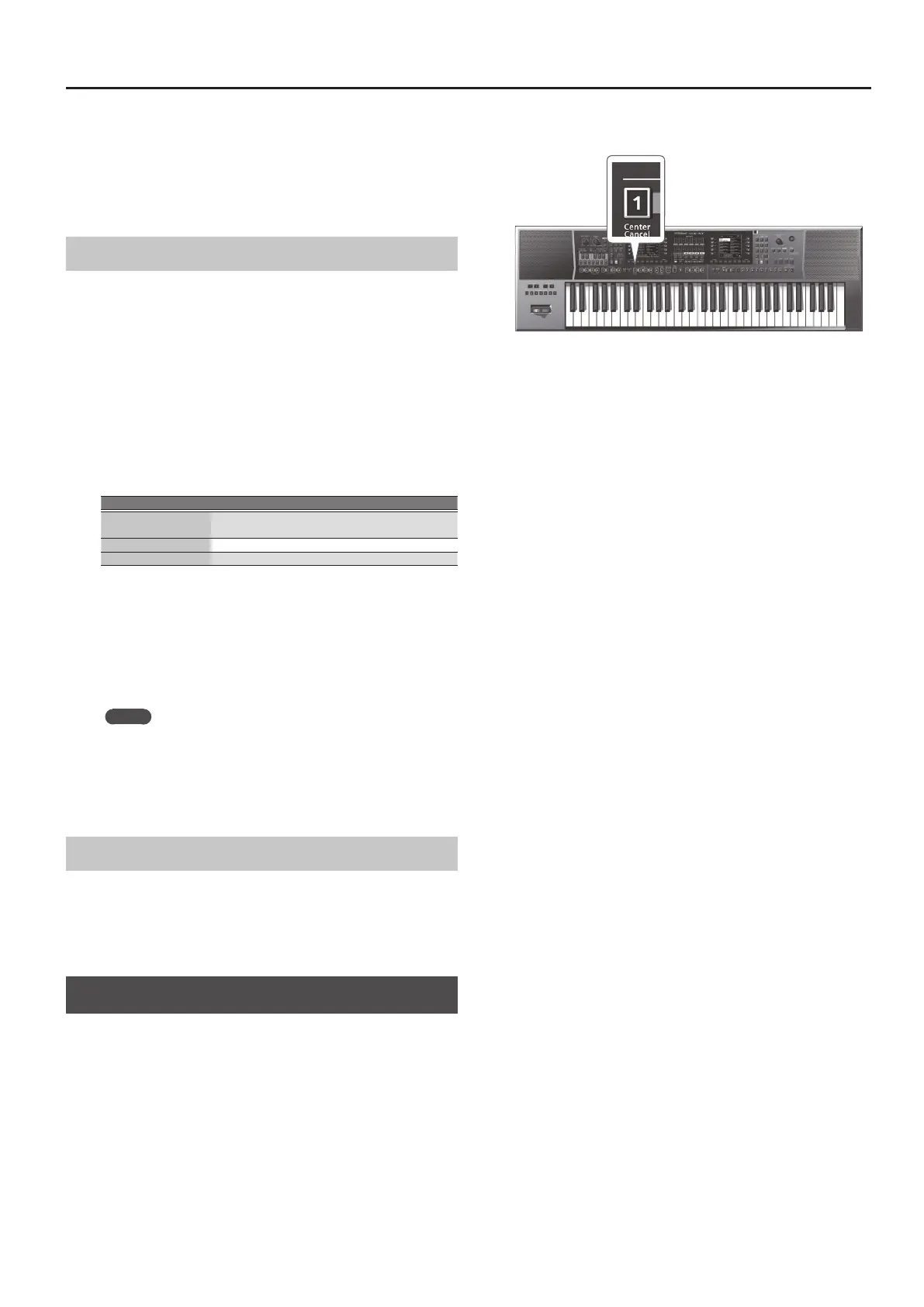
Center Cancel
Here’s how you can minimize the vocal or other sound that is heard
from the center position of an audio le (Center Cancel).
1. Select a song (p. 38).
2. Press the [Start/Stop] (
s
) button to start playback.
3. Press the Ending [1] (Center Cancel) button to make it
light.
The Center Cancel function turns on.
4. Press the Ending [1] (Center Cancel) button once again
to make the button go dark.
This turns Center Cancel o.



 To Next Page
 Loading...