20
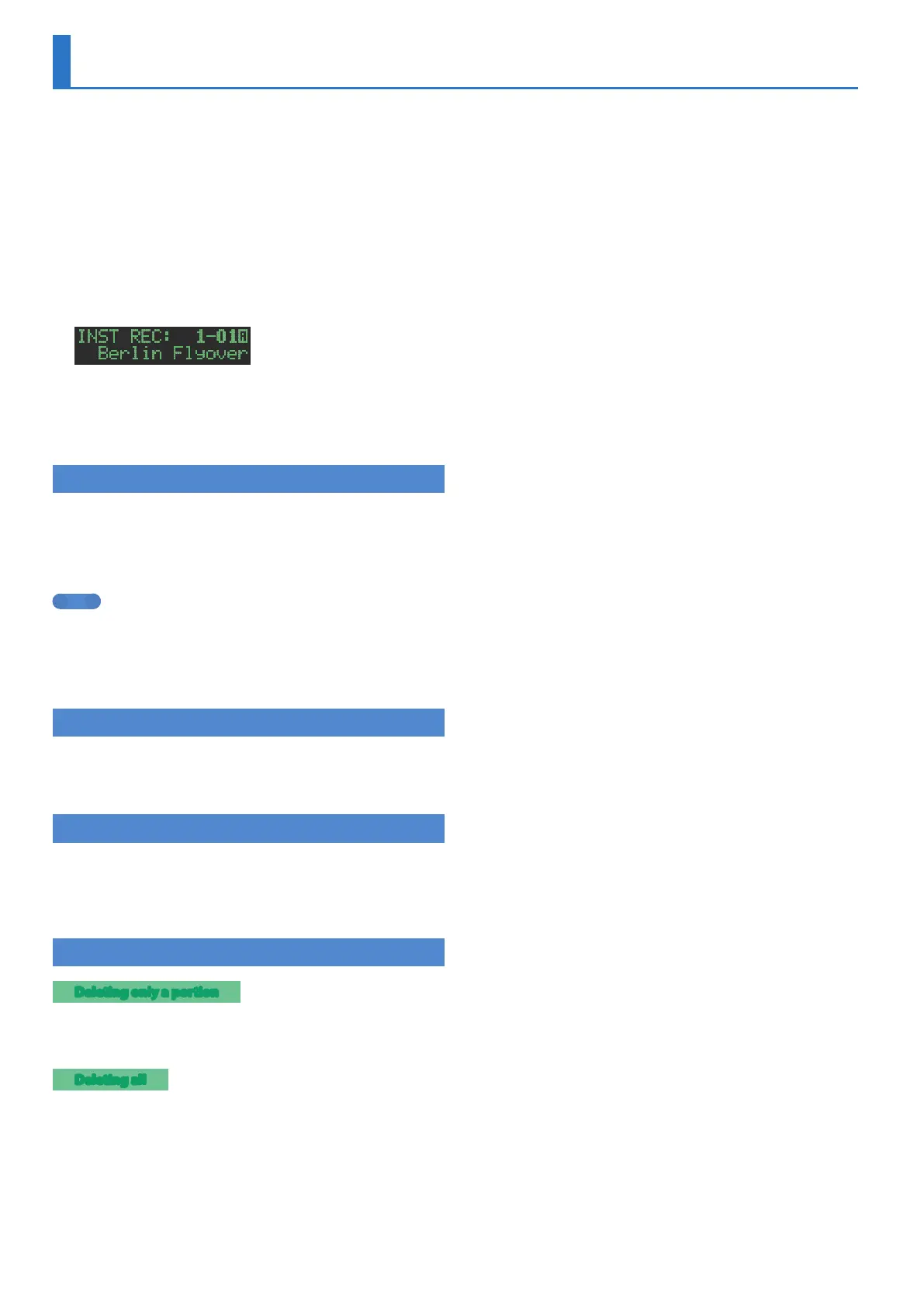
Realtime Recording (INST REC)
In this method of recording, you create a pattern by realtimerecording
your performance on pads [1] (BD)–[6] (OH). This modifies the selected
pattern.
Operations of the various knobs are also recorded as motion data.
* If you want to keep the edits that you made to a pattern or kit, you must
save that pattern or kit (p. 24).
1. Press the [VARIATION] button to make it light, and
press a pad [A]–[H] to select the variation that you
want to record.
2. Press the [INST REC] button.
3. Press the [START/STOP] button to start recording.
4. Perform using pads [1] (BD)–[6] (OH).
* You can record operations of the instrument edit section’s [TUNE] knob,
[DECAY] knob, and [CTRL] knob.
Performing/Recording Sub Steps and Flams
Here’s how to perform/record sub steps or flams.
1. Press the [SUB] button.
2. Press the pad [1](BD)–[6](OH) for which you want to
perform/record a sub step or flam.
MEMO
By holding down the [SUB] button and turning the [VALUE] knob
you can choose from 1/2, 1/3, 1/4, or FLAM as the number of step
divisions.
You can also perform a sub step or flam by holding down the [SUB]
button and pressing the pads [1](BD)–[6](OH).
Playing/Recording Weak Beats (WEAK BEATS)
1. While holding down the [SHIFT] button, press a pad
[1] (BD)–[6] (OH).
This lets you play or record weak beats.
Playing/Recording Alternate Sounds (ALT INST)
For sounds whose name includes a “/” character, such as 707Bass1/2,
you can play or record alternate sounds.
1. While holding down an instrument select button
[BD]–[OH], press a pad [1] (BD)–[6] (OH).
Deleting a Recorded Step from the Track
Deleting only a portion
If you press the [CLEAR] button during playback, steps of the track
selected by the instrument select buttons [BD]–[OH] are deleted
from the pattern while you continue holding down the button.
Deleting all
While holding down the instrument select button [BD]–[OH] of the
track that you want to delete, press the [CLEAR] button.



 To Next Page
 Loading...