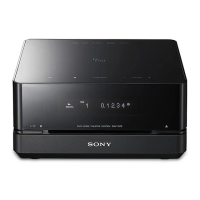
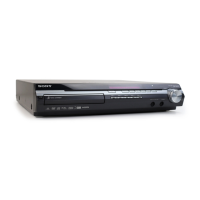
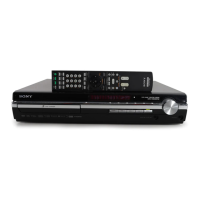
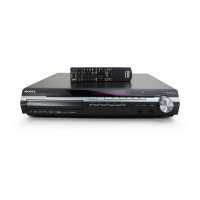
HCD-IS10
11
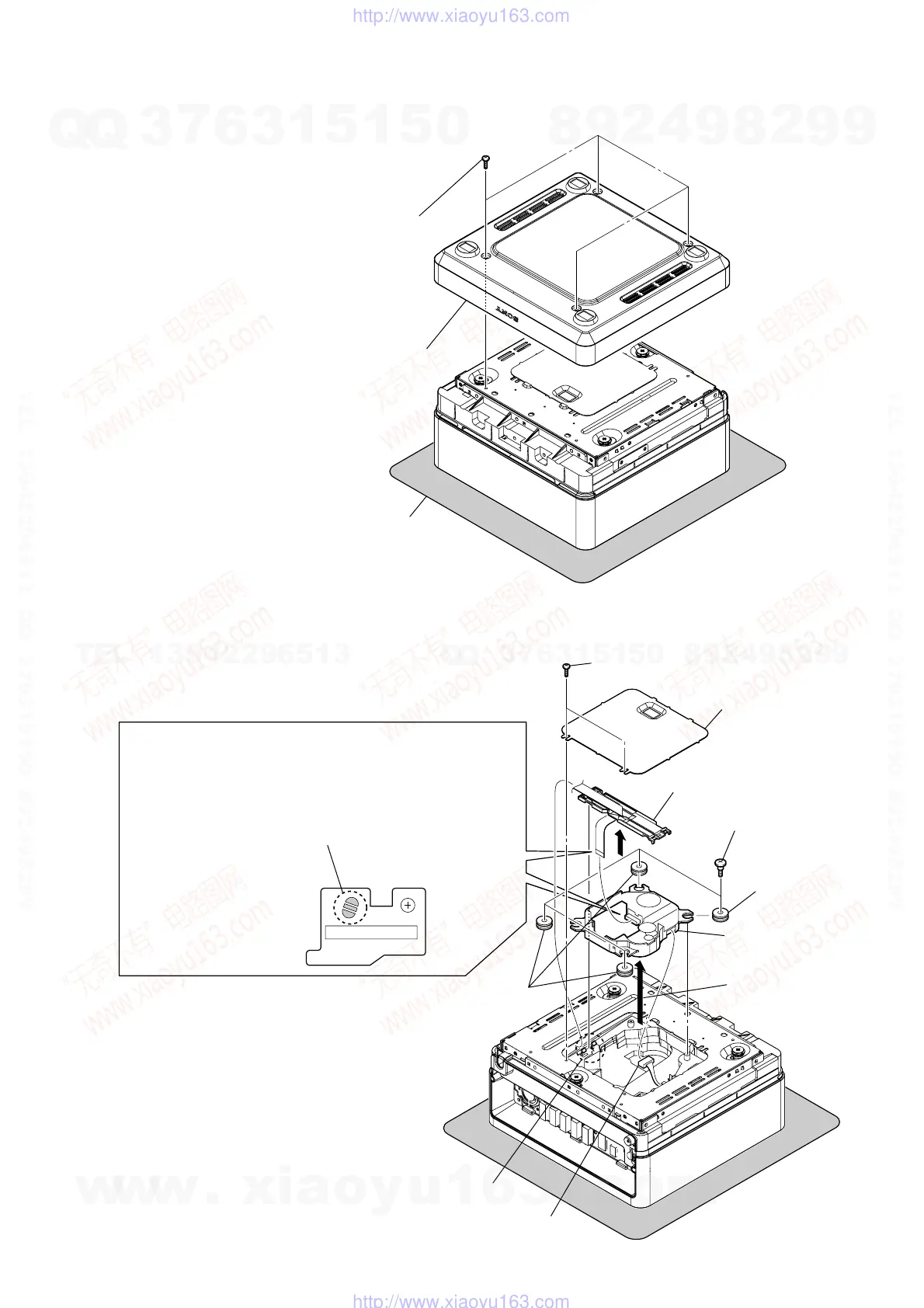
3-3. OPTICAL PICK-UP BLOCK (KHM-313CAB)
Note: Follow the disassembly procedure in the numerical order given.
3-2. COVER (BOTTOM) ASSY
1
four screws
(BVTP3
×
8)
2
cover (bottom) assy
sheet
Note: Please spread a seat under a set
not to injure panel (top) assy.
– bottom view –
1
two screws
(BVTP3
×
8)
2
cover (chassis)
5
four insulator screws
9
insulator
9
three insulators
3
two claws
6
Lift up the
optical pick-up block.
8
Be sure to bridge here, and then disconnect the
wire (flat type) (24 core).
(optical pick-up block will be destroyed without bridging.)
On the contrary at the installation, connect the
wire (flat type) (24 core) first, and then remove the bridge.
Note: For a soldering iron, use the one with a ground wire.
PRECAUTION WHEN REMOVING GOOD OPTICAL PICK-UP BLOCK
4
Lift up the FFC holder.
7
connector
0
optical pick-up block
(KHM-313CAB)
Note: A screw hole of this screw tends to be damaged,
so please be careful about the installation time
and the time of removal.
w
w
w
.
x
i
a
o
y
u
1
6
3
.
c
o
m
Q
Q
3
7
6
3
1
5
1
5
0
9
9
2
8
9
4
2
9
8
T
E
L
1
3
9
4
2
2
9
6
5
1
3
9
9
2
8
9
4
2
9
8
0
5
1
5
1
3
6
7
3
Q
Q
TEL 13942296513 QQ 376315150 892498299
TEL 13942296513 QQ 376315150 892498299
http://www.xiaoyu163.com
http://www.xiaoyu163.com


 To Next Page
 Loading...