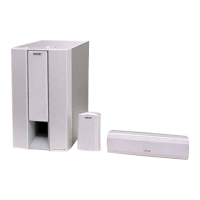
HT-S350/SD35
14
Sony CONFIDENTIAL
For Authorized Servicer
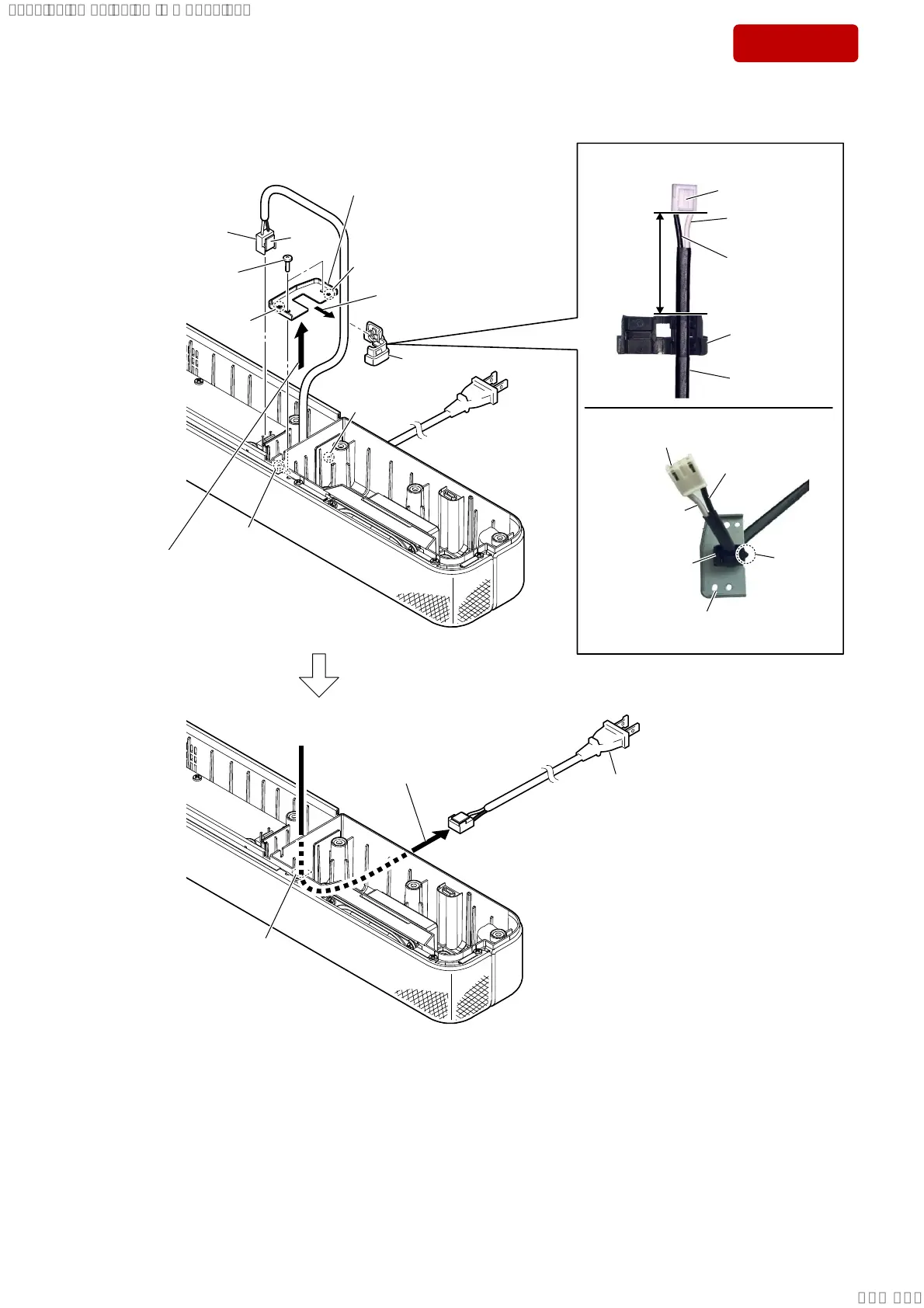
2-7. AC CORD
50 mm
,QVWDOODWLRQGLUHFWLRQIRUWKHFRUGEXVK
,QVWDOODWLRQSRVLWLRQRIWKHFRUGEXVK
claw
side
2 two screws
(BTP3 u 10)
1
AC cord connector
(CN1)
6
cord bush
3
Lift up the metal bracket
block in the direction of
the arrow.
4 Remove the
cord bush
in
the direction of the arrow.
boss
boss
hole
hole
8 AC cord
5 metal bracket
Note:
When installing the metal
bracket, align the two bosses
and two holes.
hole
7 Draw the AC cord out of
the hole in bottom case.
claw side
cord bush
US, CND: [white]
AEP, UK: [blue]
US, CND: [white]
AEP, UK: [blue]
US, CND: [black]
AEP, UK: [brown]
US, CND: [black]
AEP, UK: [brown]
AC cord
protrusion
side
cord bush
metal bracket
AC cord connector
–7RSYLHZ–
SYSSET
2019/02/1301:27:25(GMT+09:00)


 To Next Page
 Loading...