38
q N (MIDI Note Number)
Sets the MIDI note number (The same procedure as in [6-1. Voice]).
w Reverb send (Reverb Send Level)
[Range] 0-127
6-7. Alternate Group, Key Assign Mode
This sets the Alternate Group and Key Assign Mode for each drum
voice w assigned to each MIDI note number q.
The function and setting of the Alternate Group, Key Assign
Mode are the same functions and settings found in [2-3. Alter-
nate Group, Key Assign Mode] (P. 20) in the Drum Kit Voice Edit
Mode.
q N (MIDI Note Number)
Selects the MIDI note number (The same procedure as in [6-1.
Voice]).
w Alt (Alternate Group)
[Range] 0-15
e Key (Key Assign Mode)
[Range] poly, semi, mono, high
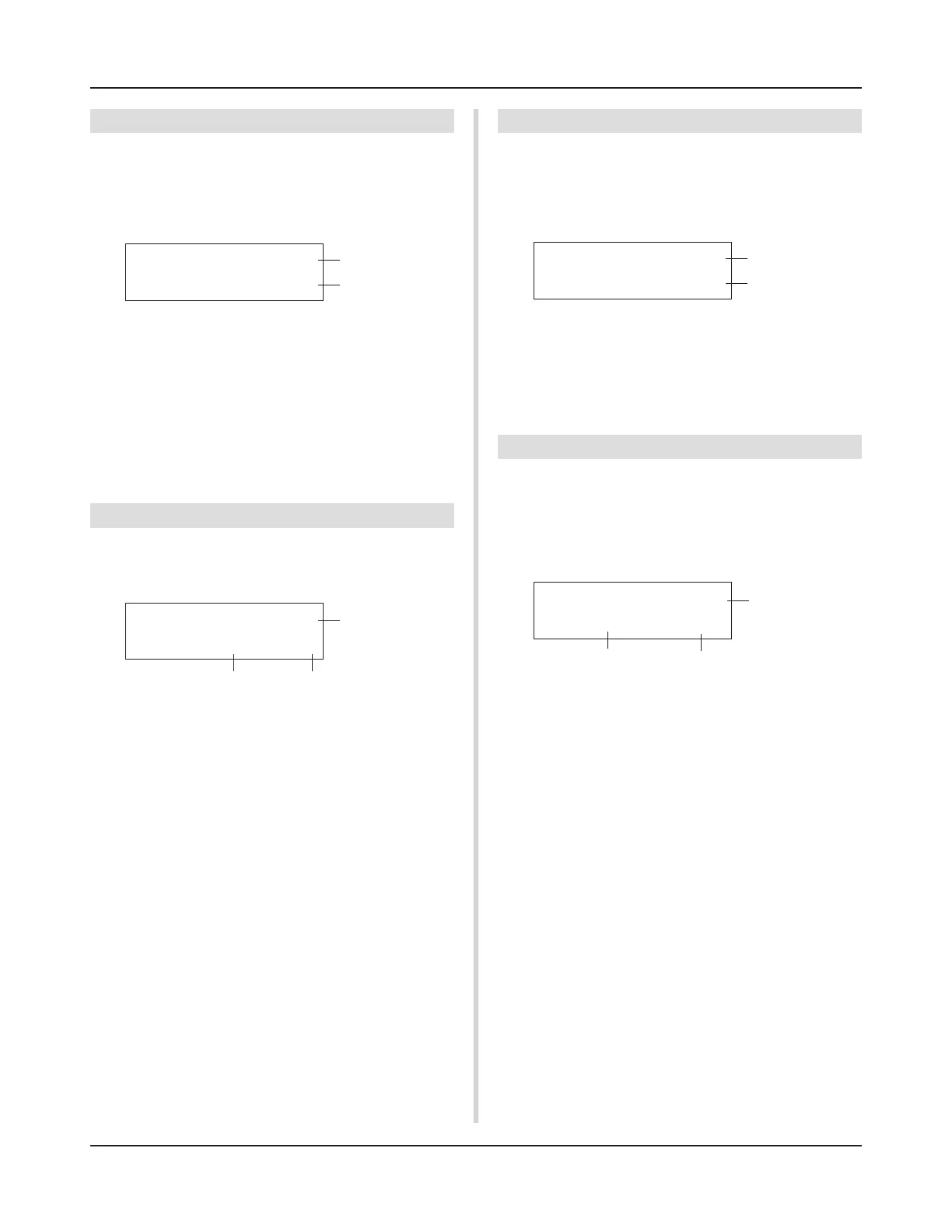
UT MAP N= 0C -2
Ait=off Key=semi
q
w
e
6-4. Layer Balance
When a drum voice assigned to a MIDI note number q is made
up of 2 layers (a single voice consisting of 2 voice waves), this
function sets the volume balance between those 2 layers.
* When the selected voice only has a 1 layer, this setting will have
no affect.
Utility Mode
q N (MIDI Note Number)
Selects the MIDI note number (The same procedure as in [6-1.
Voice]).
w LayerBalance (Layer Balance)
[Range] –64 to 0 to +63, ---
Sets the volume balance between the 2 layers.
* When the selected drum voice only has 1 layer, “---” will ap-
pear in the display and settings can not be carried out.
6-5. Decay, Cutoff Frequency
This function sets the drum voice decay, the filter’s cutoff frequency
and adjusts the tone of each voice assigned to each MIDI note
number q.
q N (MIDI Note Number)
Selects the MIDI note number (The same procedure as in [6-1.
Voice]).
w Decay
[Range] –64 to 0 to +63.
Negative values will produce a clearer sound.
e Fc (Cutoff Frequency)
[Range] –64 to 0 to +63
A positive value will produce a brighter sound, negative values
will produce a rounder sound.
6-6. Reverb Send
This sets the Reverb Send Level w for each drum voice assigned
to each MIDI note number q.
* The actual reverb send level will be determined by multiplying
the Reverb Send Level set in [5-2. Drum Reverb Send] (P. 24) in
the Drum Kit Voice Edit Mode.
UT MAP N= 0C -2
LayerBalance=---
q
w
UT MAP N= 0C -2
Decay= 0 Fc= 0
q
UT MAP N= 0C -2
Reverb send= 127
q
w
w
e



 To Next Page
 Loading...