48
E
Using the Full
Range of Features
Using the Wireless Controller
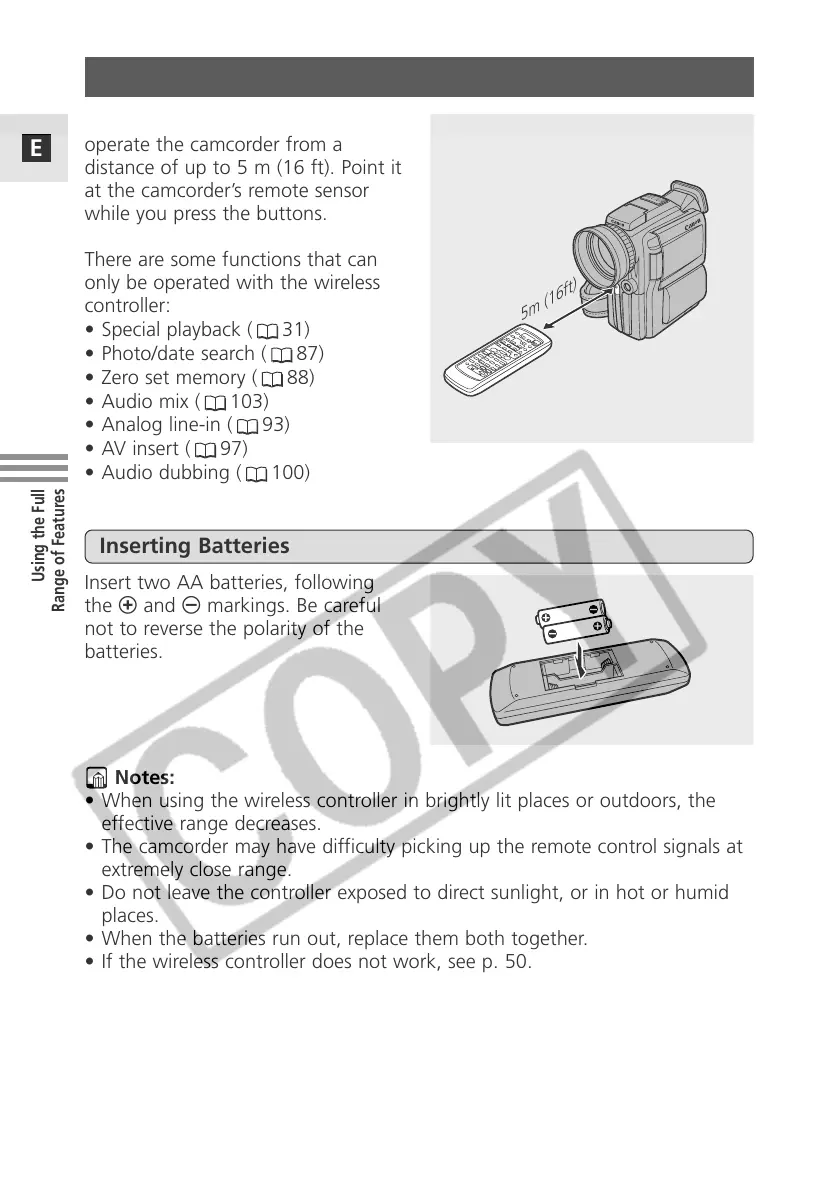
The supplied wireless controller can
operate the camcorder from a
distance of up to 5 m (16 ft). Point it
at the camcorder’s remote sensor
while you press the buttons.
There are some functions that can
only be operated with the wireless
controller:
• Special playback ( 31)
• Photo/date search ( 87)
• Zero set memory ( 88)
• Audio mix ( 103)
• Analog line-in ( 93)
• AV insert ( 97)
• Audio dubbing ( 100)
Insert two AA batteries, following
the = and - markings. Be careful
not to reverse the polarity of the
batteries.
Inserting Batteries
Notes:
• When using the wireless controller in brightly lit places or outdoors, the
effective range decreases.
• The camcorder may have difficulty picking up the remote control signals at
extremely close range.
• Do not leave the controller exposed to direct sunlight, or in hot or humid
places.
• When the batteries run out, replace them both together.
• If the wireless controller does not work, see p. 50.
5m (16ft)


 To Next Page
 Loading...