77
E
Using the Full
Range of Features
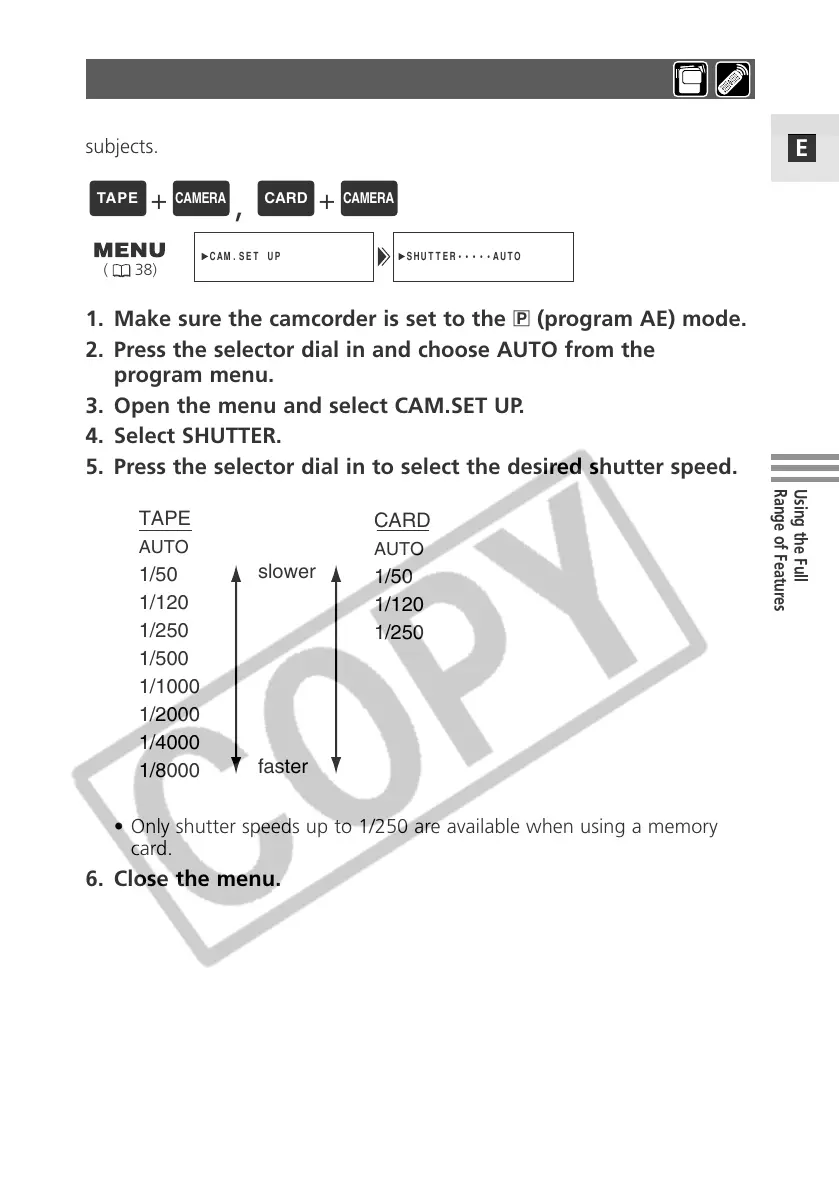
1. Make sure the camcorder is set to the Q (program AE) mode.
2. Press the selector dial in and choose AUTO from the
program menu.
3. Open the menu and select CAM.SET UP.
4. Select SHUTTER.
5. Press the selector dial in to select the desired shutter speed.
• Only shutter speeds up to 1/250 are available when using a memory
card.
6. Close the menu.
SHUTTER•••••AUTOCAM.SET UP
( 38)
Set the shutter speed manually to take stable shots of quickly moving
subjects.
CARD
AUTO
1/50
1/120
1/250
TAPE
AUTO
1/50
1/120
1/250
1/500
1/1000
1/2000
1/4000
1/8000
slower
faster
+
,
+
Setting the Shutter Speed


 To Next Page
 Loading...