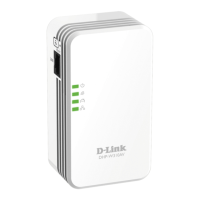
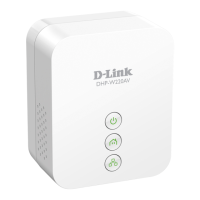
11D-Link DHP-W306AV User Manual
Section 2 - Installation
Installation
Connecting the Powerline AV Adapter
It is easy to connect the DHP-W306AV simply by performing the
following instructions:
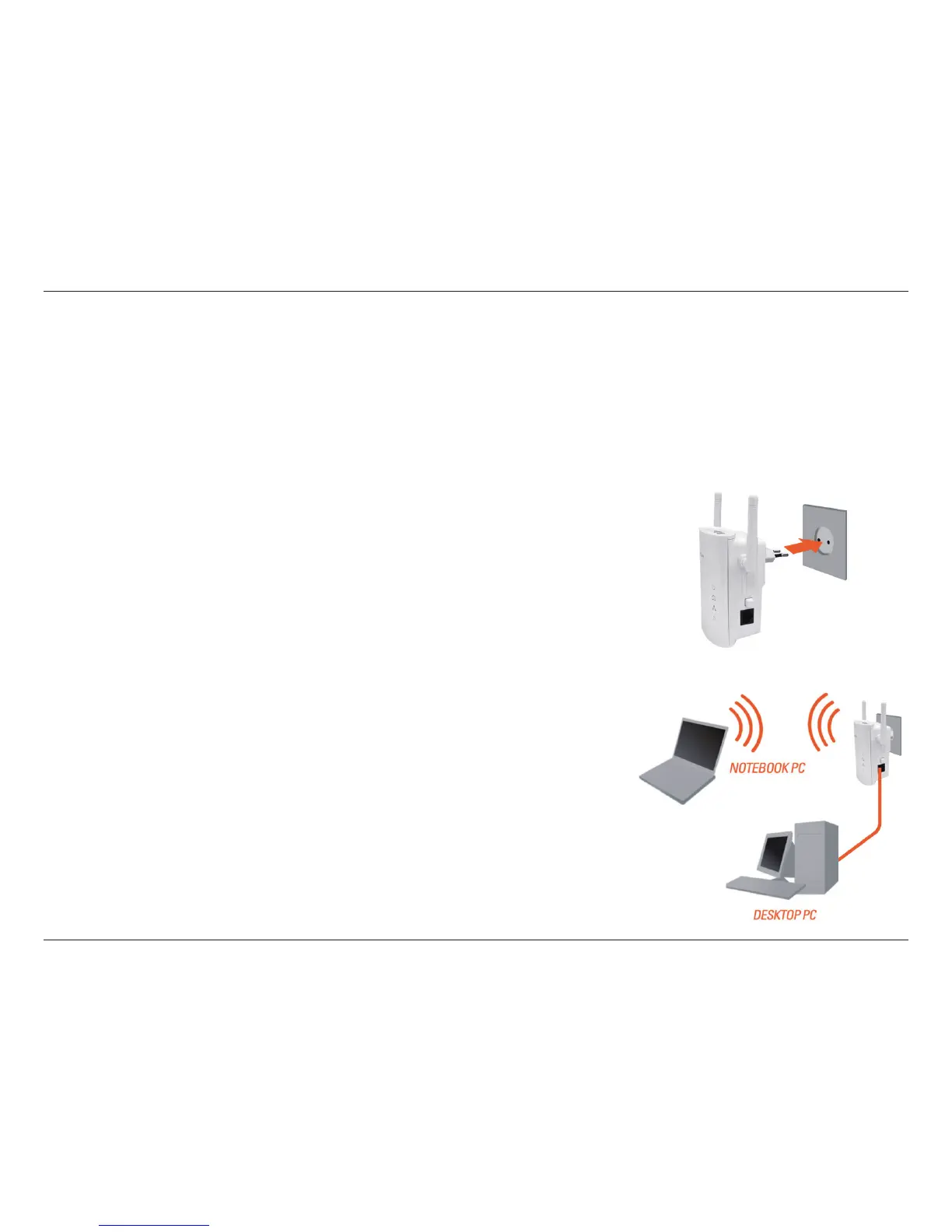
1. Plug the DHP-W306AV into the wall outlet/socket.
2. Connect one end of the supplied CAT5 Ethernet cable to the
Ethernet port on the DHP-W306AV and the other end of the cable
to the device’s Ethernet interface. You can also enable wireless
to connect to the WiFi devices using WPS.


 To Next Page
 Loading...