Product Overview
D-Link DSL-2640R User Manual
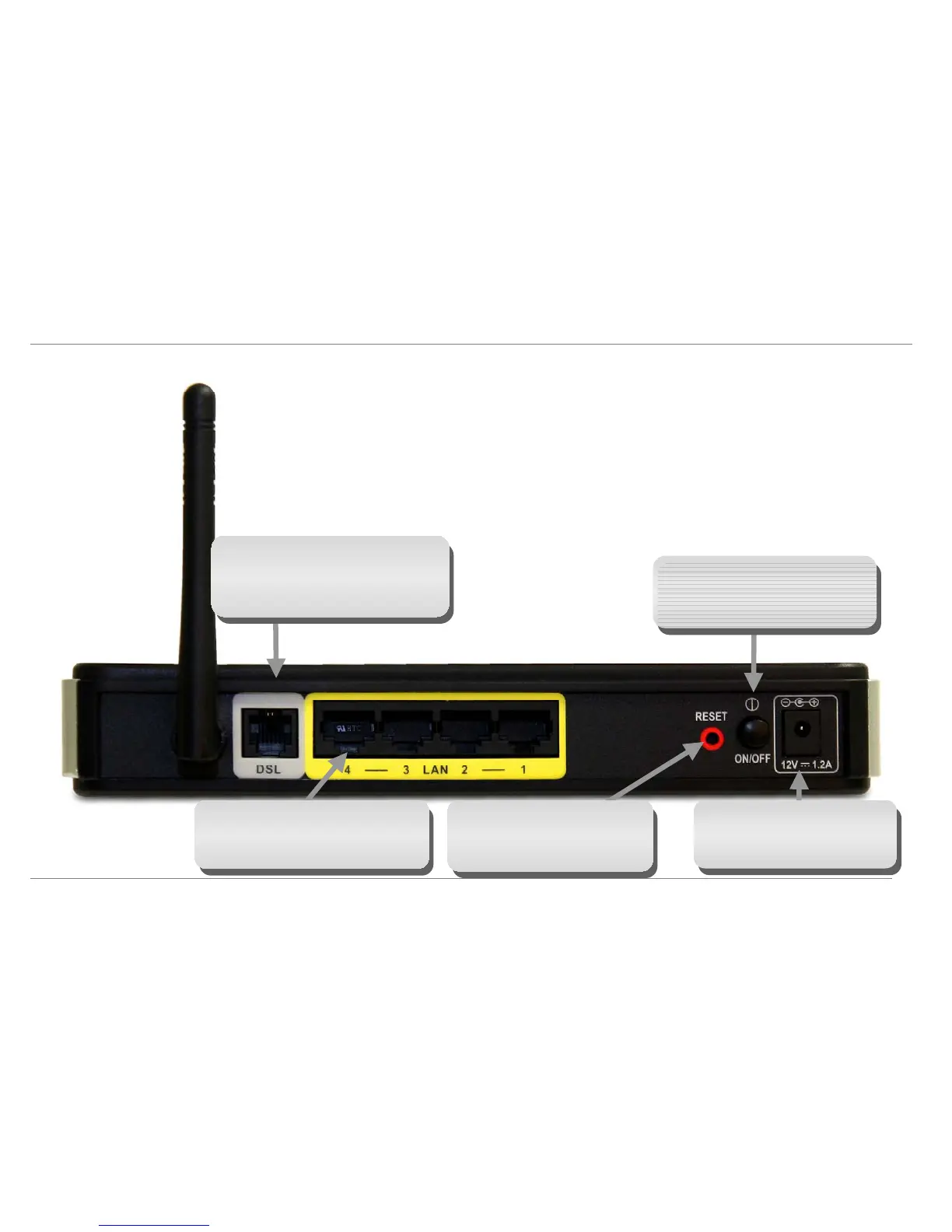
Hardware Overview
Connections
Power Button
Push in to power-on the Router. Push
again to power-off the Router
Reset Button
To manually reset, depress button
with the power on for about 6 to 8
seconds
ADSL Port
Use the ADSL cable to connect to the you
telephone line (RJ-11 port)
Ethernet Ports
Use the Ethernet ports to connect the
Router to a computer or an Ethernet LAN
Power Insert
Use the adapter shipped with the
Router to connect to power source
3



 To Next Page
 Loading...











