32 Getting to Know Your Dell™ Lightning
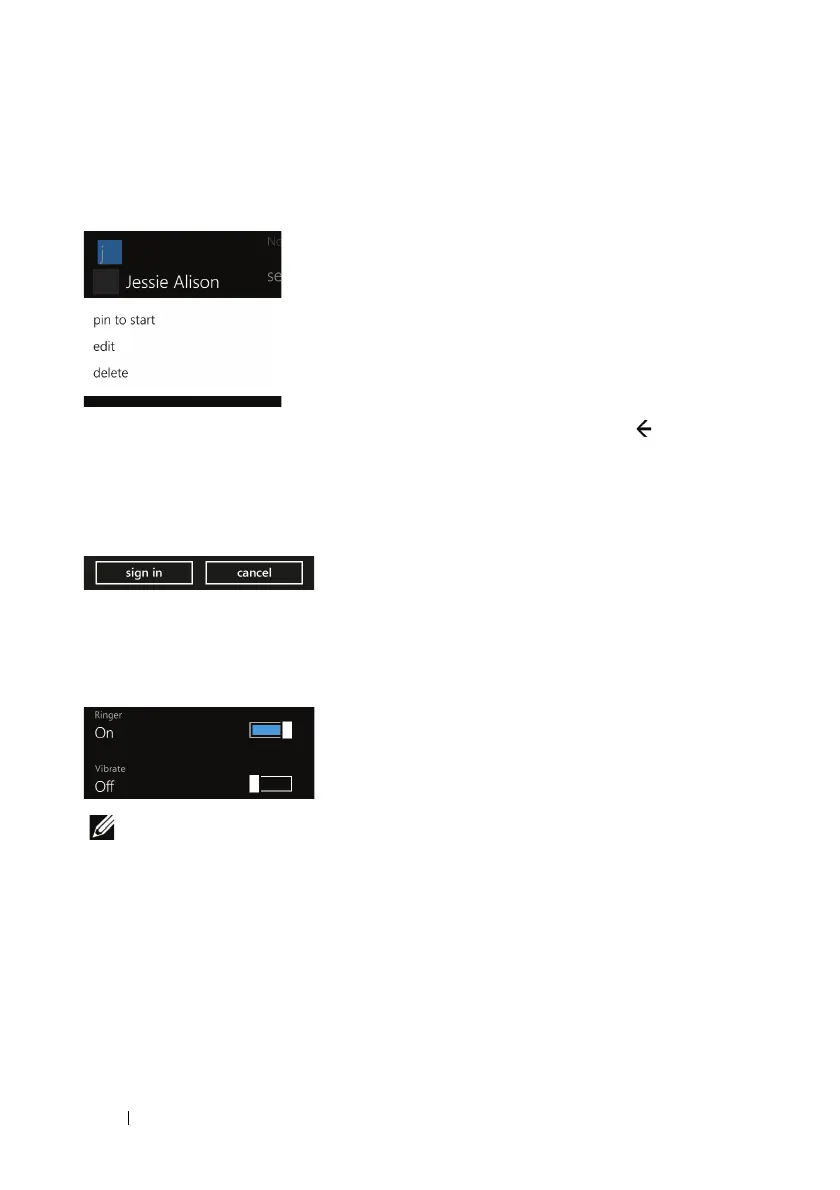
Context Menu
Contains specific commands for items selected. Touch and hold an
item such as a picture or contact to display the context menu.
To close the context menu, touch the item, the back button , or
anywhere outside the context menu.
Push Button
Touch a push button to initiate or quit an action.
Toggle Switch
Touch, flick, or drag a toggle switch to toggle between two possible
choices, mostly for enabling or disabling a feature or state.
NOTE: You can change the toggle switch color by changing the accent
color. For information on changing the accent color, see To change the
tile color.



 To Next Page
 Loading...

