60
Install the “Innova 2.0” app on the new smartphone/tablet device.
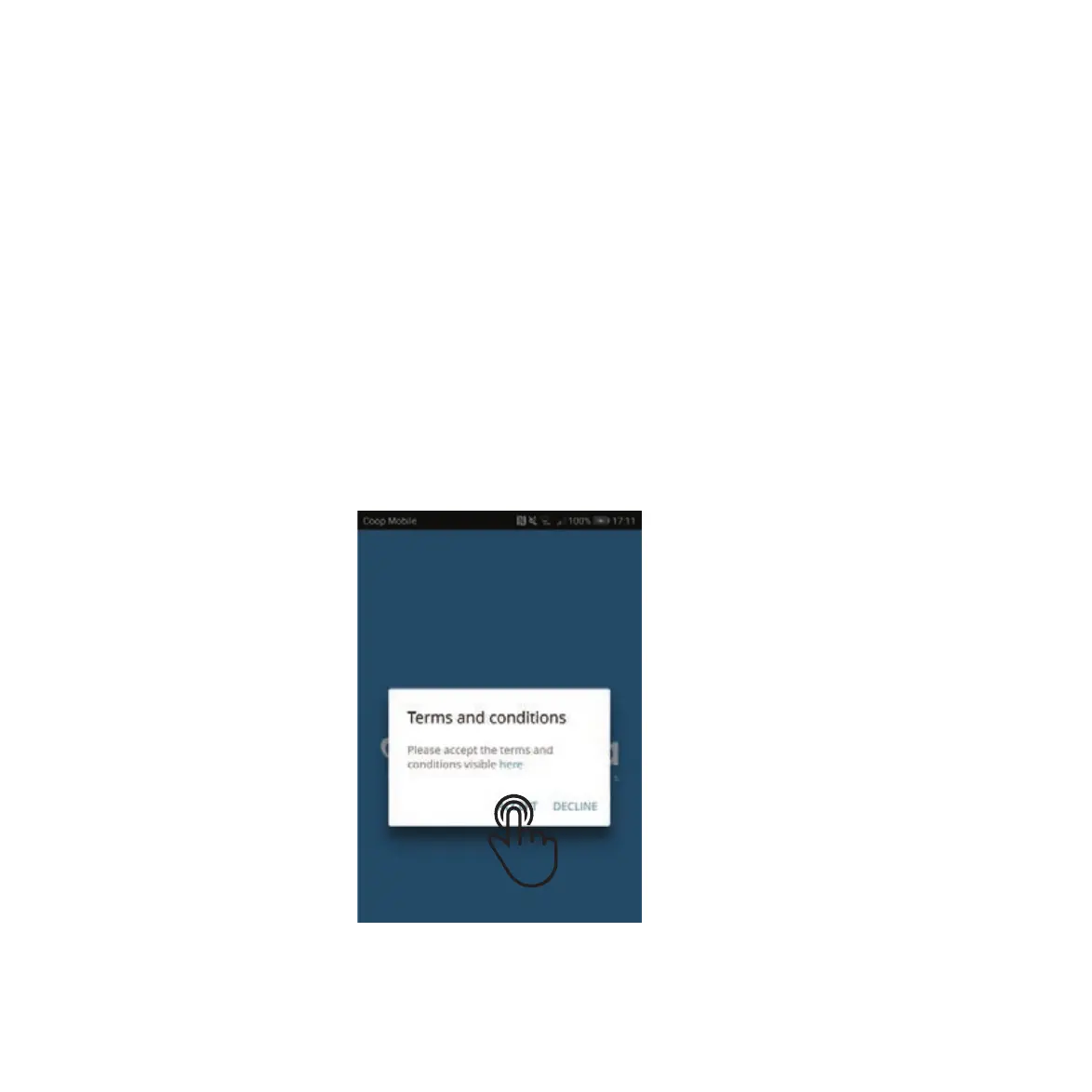
At the fi rst launch, a pop-up appears for acceptance or refusal of the Terms and
Conditions, which can be reviewed by tapping on the word “here.”
If you do not accept our Terms and Conditions click “Decline”. If you do accept our Terms
and Conditions, tap “Accept” to begin using Innova 2.0.
STEP 1
STEP 2
STEP 3
ADDING MULTIPLE DEVICES
The Ephoca app allows you to remotely manage and control the HPAC 2.0 using a smartphone and/or tablet,
and/or a desktop computer.
After confi guration with the fi rst device, the HPAC 2.0 can be controlled with another device following the
procedure described below.


 To Next Page
 Loading...
