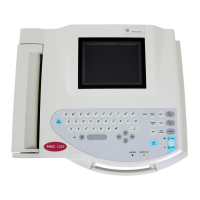
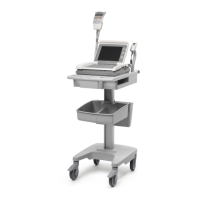
Troubleshooting
Iftheequipmentisnotworkingproperly,considerthefollowing:
•Isthedeviceturnedon?
•Havetherebeenanychangesintheuse,location,orenvironmentoftheequipment
thatcouldcausethefailure?
•Hastheequipmenthardwareorsoftwarebeenmodiedsincethelastuse?
•Isoperatorerrorthecauseoftheproblem?
Trytorepeatthescenarioexactlyandcomparethattotheproperoperationofthe
equipmentdescribedinthemanual.
•Isthebatteryinstalled?
•WhenconnectedtotheACwalloutlet,doesthegreenACpowerlightglow?
VisualInspection
Athoroughvisualinspectionoftheequipmentcansavetime.Smallthings,suchas
disconnectedcables,foreigndebrisoncircuitboards,missinghardware,orloose
components,canfrequentlycausesymptomsandequipmentfailuresthatmayseem
tobeunrelatedanddifculttotrack.
NOTE:
Takethetimetomakealltherecommendedvisualchecksbeforestartingany
detailedtroubleshootingprocedures.
VisualInspectionChecklist
Area
Lookforthefollowingproblems
I/Oconnectorsand
cables
ACpowercord
•Frayingorotherdamage
•Bentprongsorpins
•Crackedhousing
•Loosescrewsinplugs
Interfacecables
•Excessivetensionorwear
•Looseconnection
•Strainreliefsoutofplace
Circuitboards
•Moisture,dust,ordebris(topandbottom)
•Looseormissingcomponents
•Burndamageorsmellofover-heatedcomponents
•Socketedcomponentsnotrmlyseated
•PCBnotseatedproperlyinedgeconnectors
•Solderproblems:cracks,splashesonboard,incomplete
feedthrough,priormodicationsorrepairs
Groundwires/wiring
•Loosewiresorgroundstrapconnections
•Faultywiring
•Wirespinchedorinvulnerableposition
2053535-003C
MAC™2000ECGAnalysisSystem
137

 To Next Page
 Loading...