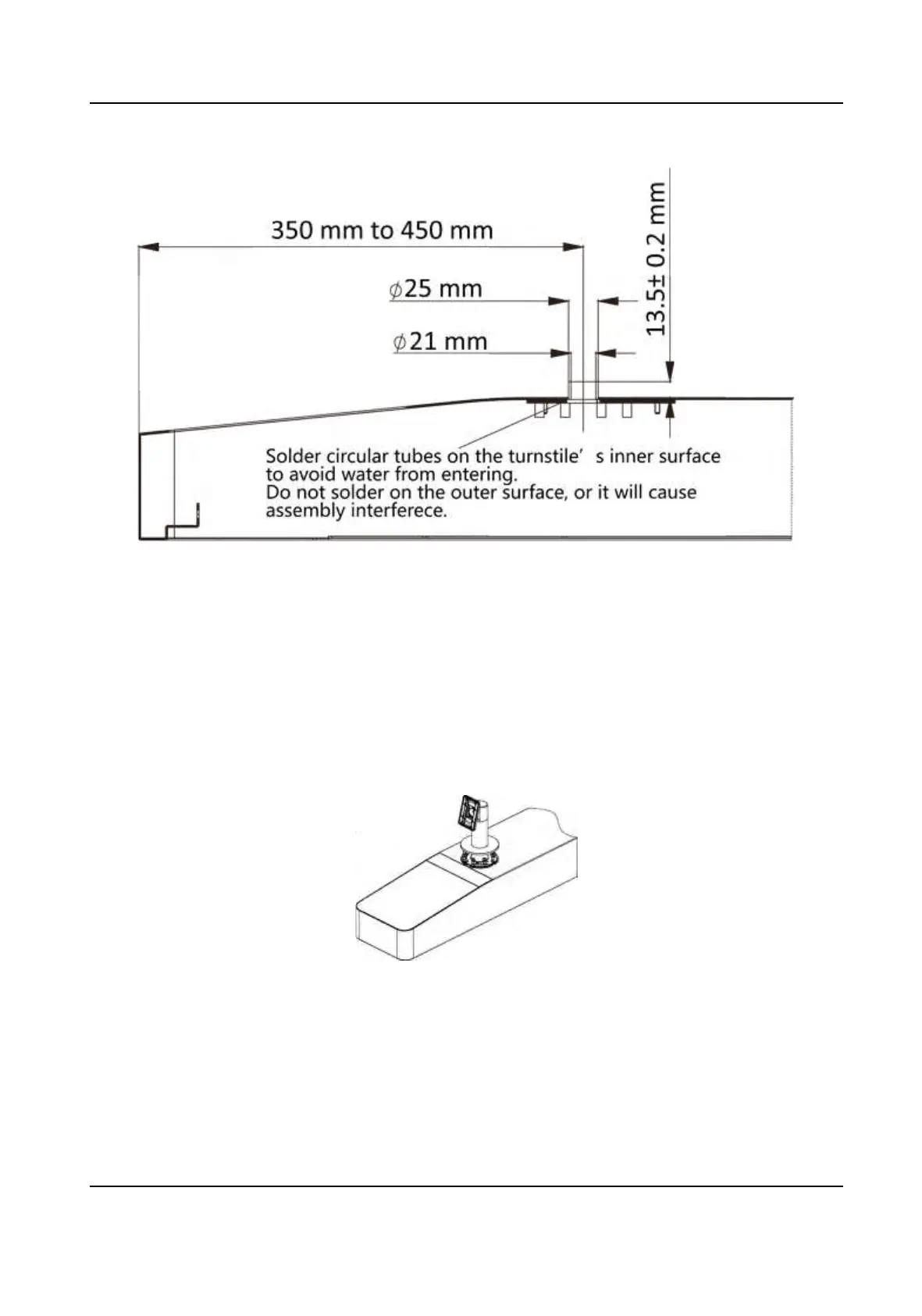
Figure 3-17 Solder Tubes
3.5.2 Cylinder Bracket Mounng
Steps
1.
Install the base on the turnsle.
1) Align the hole on the turnsle and place the base on the turnsle.
2) Rotate the base to the acquired place and make sure the device will face a correct direcon.
3) Secure the base with 4 SC-OM6×12-H-SUS screws.
Figure 3-18 Install Base
2.
Fix the mounng plate into the bracket by 4 SC-K1M4×6-SUS screws.
DS-K1T342 Series Face Recognion Terminal User Manual
18


 To Next Page
 Loading...