Figure 9-16 Card Security
Slide to enable card encrypon parameters.
Click Save to enable the sengs.
9.4.7 Intercom Sengs
Device No. Conguraon
Set the No. of the device, and linked devices can build a communicaon.
Steps
1. Click Intercom → Device No. to enter the
sengs page.
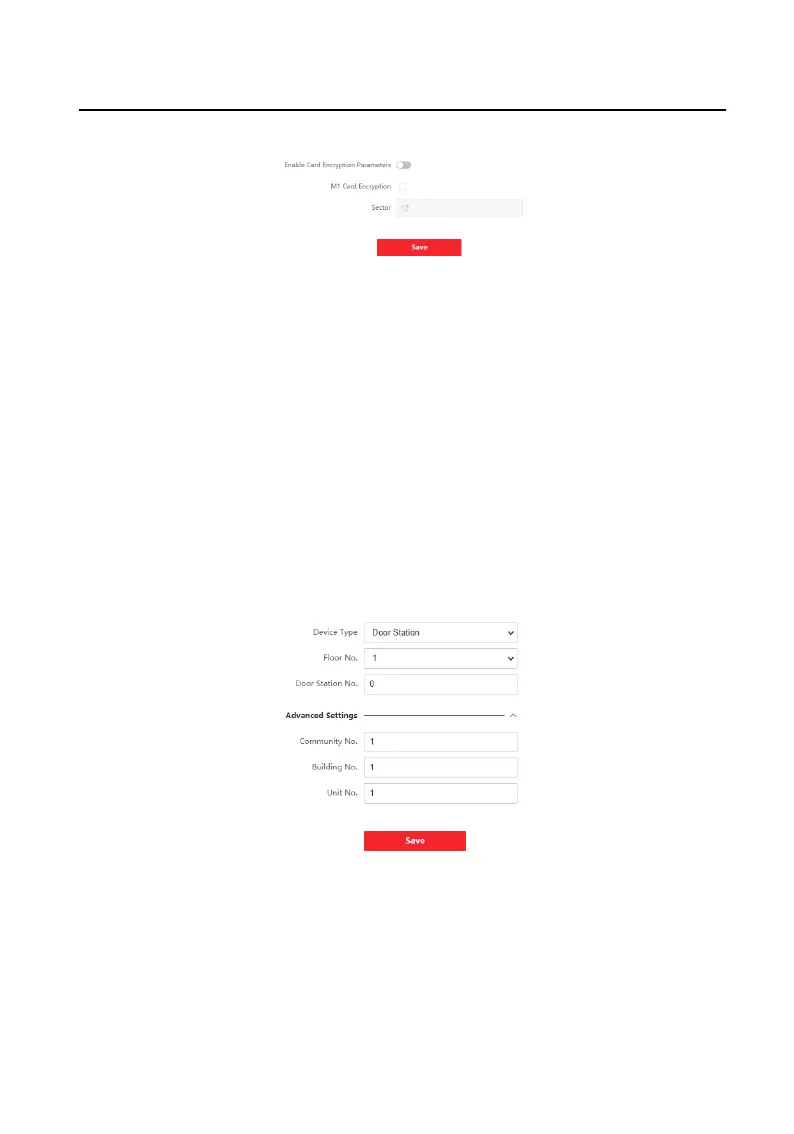
Figure 9-17 Device No. Sengs
2. Select the device type from the drop-down list, and set the corresponding
informaon.
3. Click Save to enable the device number conguraon.
Video Intercom Face
Recognion Door Staon User Manual
75



 To Next Page
 Loading...